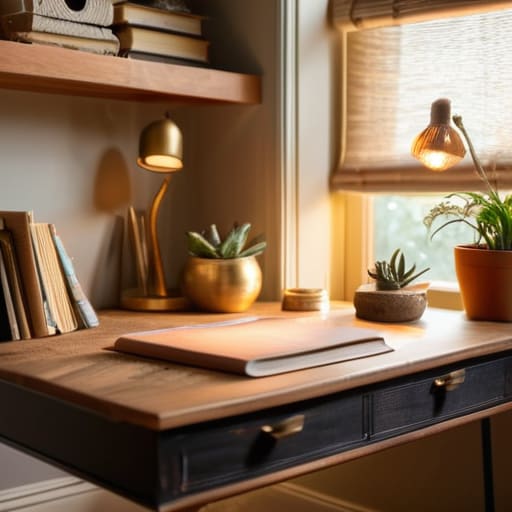
I was sitting in a cramped, overpriced Airbnb in Berlin last month, staring at a massive, mahogany executive desk that looked like it belonged in a 1980s law firm. It was heavy, static, and completely useless for someone who needs to be ready to move at a moment’s notice. Most people think home office decor means filling a room with expensive, heavy furniture that anchors you to a single zip code, but that’s just dead weight. If your setup is too bulky to pack into a suitcase or too cluttered to allow for deep focus, it isn’t decor—it’s a distraction.
I’m not here to sell you on aesthetic trends that look good on a Pinterest board but fail the reality test of a real workflow. Instead, I’m going to show you how to curate a space that actually works with your digital lifestyle. We’re going to talk about minimalist, high-utility pieces that keep your cables managed and your mind clear. My goal is to help you build a setup that is seamless and portable, ensuring your environment adapts to your life rather than holding you hostage to a desk.
Table of Contents
- Mastering Minimalist Desk Setup for Pure Focus
- Ergonomic Workspace Design Meets Modern Workstation Aesthetics
- Decor That Actually Works: 5 Ways to Keep Your Space From Getting in the Way
- The Frictionless Setup Checklist
- The Philosophy of Space
- Building a Space That Moves With You
- Frequently Asked Questions
Mastering Minimalist Desk Setup for Pure Focus
If your desk is a graveyard of half-finished coffee mugs and tangled charging cables, you’ve already lost the battle for focus. I’ve learned the hard way that visual clutter translates directly into mental friction. When I’m working from a temporary spot in a new city, I stick to a strict minimalist desk setup—only the essentials that actually facilitate my workflow. Everything else is noise. If a tool doesn’t serve a specific purpose in my current sprint, it doesn’t get a spot on the desk.
Achieving this isn’t just about having an empty surface; it’s about intentionality. I lean heavily into modern workstation aesthetics that prioritize clean lines and hidden cable management. I’m a bit of a perfectionist when it comes to my gear, so I make sure my peripherals are high-quality but unobtrusive. By stripping away the excess, you aren’t just making the space look better; you’re creating an environment where your brain can actually settle into a deep work state without being constantly interrupted by physical distractions.
Ergonomic Workspace Design Meets Modern Workstation Aesthetics
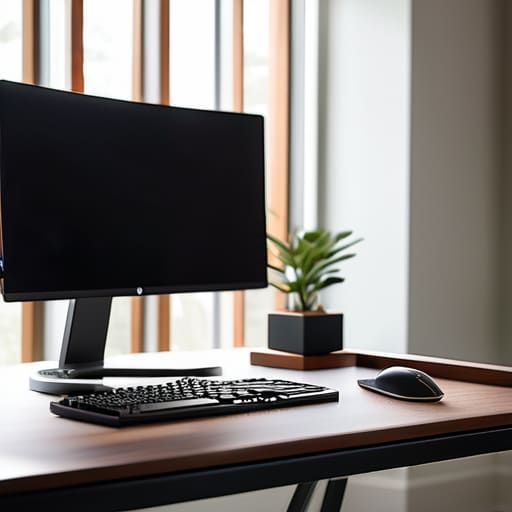
Most people treat ergonomics like an afterthought—something you fix with a cheap lumbar pillow after your back starts screaming at you. But if you’re serious about long-term output, you need to integrate ergonomic workspace design into your actual aesthetic. I’ve learned the hard way that a beautiful desk means nothing if you’re hunched over a laptop in a coffee shop or a cramped studio apartment. The goal is to find that sweet spot where your hardware—the monitor arms, the mechanical keyboard, the riser—doesn’t look like a medical device, but rather a seamless part of your modern workstation aesthetics.
I’m a big believer in the “functional beauty” approach. Instead of cluttering your surface with random trinkets, look for pieces that serve a dual purpose. A high-quality felt desk mat isn’t just there to look clean; it defines your workspace and provides a tactile, comfortable surface for your wrists. Even something as simple as adding a single, low-maintenance plant can lean into biophilic office design, softening the sharp edges of your tech while actually helping you breathe easier during a deep-work session. It’s about making the space feel alive, not just functional.
Decor That Actually Works: 5 Ways to Keep Your Space From Getting in the Way
- Stick to a cohesive color palette. I’ve learned the hard way that a random collection of bright, clashing desk accessories creates visual noise that kills my focus. Keep it muted—think grays, matte blacks, or deep forest greens—so your gear remains the star of the show.
- Invest in cable management as a design choice. Most people treat cables as an afterthought, but a bird’s nest of wires under your desk is the ultimate focus killer. Use trays or sleeves to turn that mess into a clean, intentional part of your aesthetic.
- Use lighting to define your zones. Since I’m often working in different spots, I rely on portable, high-CRI LED desk lamps rather than harsh overhead lights. It creates a “work bubble” that tells my brain it’s time to lock in, regardless of where I am.
- Keep your greenery functional, not just decorative. A single, low-maintenance plant like a snake plant adds life to a setup without requiring constant attention. It breaks up the tech-heavy look without becoming another chore on my to-do list.
- Choose modular storage that moves with you. If you’re buying organizers, make sure they aren’t heavy or permanent. I prefer small, stackable trays or felt organizers that I can toss into my tech bag if I decide to move my “office” to a cafe or a different city.
The Frictionless Setup Checklist
Prioritize modularity; if your decor or tech setup can’t be packed into a bag or moved to a new cafe without a meltdown, it’s clutter, not an asset.
Treat aesthetics as a secondary function of utility; choose pieces that serve a purpose—like a high-quality desk mat or a cable management tray—rather than just filling empty space.
Optimize for sensory control; your environment should allow you to instantly dial in your focus, whether that’s through lighting that mimics natural rhythms or a layout that minimizes visual noise.
The Philosophy of Space
Stop treating your desk like a museum for stuff you think looks “professional.” If a piece of decor doesn’t either solve a friction point or actually help you zone in, it’s just digital clutter in physical form.
Elias Vandermeer
Building a Space That Moves With You
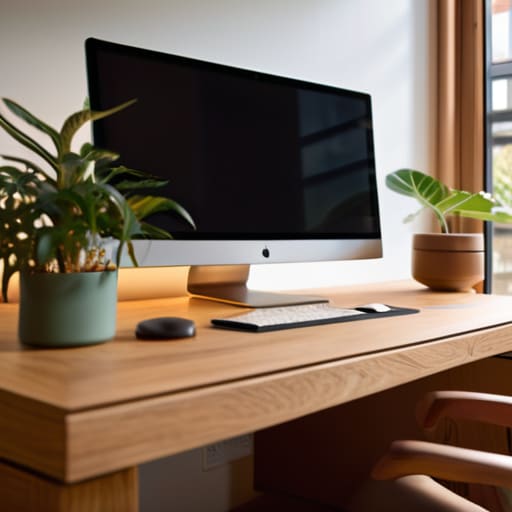
At the end of the day, decorating your home office isn’t about chasing some Pinterest aesthetic or buying every trendy gadget on the market. It’s about intentionality. We’ve looked at how a minimalist desk setup clears the mental clutter, and how ergonomic design ensures your physical body doesn’t pay the price for a long session of deep work. When you combine those elements with decor that actually serves a purpose—rather than just taking up space—you create a workspace that feels seamless and intuitive. Remember, the goal is to build a command center where the tools are invisible and the friction is non-existent, allowing you to actually get into a flow state without being interrupted by a messy cable nest or an uncomfortable chair.
My advice? Stop treating your workspace like a static museum piece. Whether you’re setting up in a dedicated spare room or a corner of a studio apartment, your environment should be as fluid as your lifestyle. If a piece of decor doesn’t contribute to your focus or your comfort, it’s just dead weight. Build a setup that is portable, cloud-ready, and incredibly efficient. Your workspace should be an extension of your workflow, not a barrier to it. Once you stop decorating for others and start designing for your own actual productivity, everything changes.
Frequently Asked Questions
How do I balance a clean, minimalist aesthetic without making my workspace feel cold or uninspiring?
The trick is layering texture without adding clutter. A sterile, all-white setup feels like a hospital wing, and honestly, that’s a productivity killer. I keep things functional but warm by adding a felt desk mat or a single wooden element—maybe a walnut headphone stand. It adds organic warmth without breaking the minimalist rule. Also, don’t sleep on smart lighting; a bit of warm, indirect ambient light makes the space feel lived-in rather than just clinical.
What are some ways to incorporate decor that actually improves my focus rather than just being visual clutter?
Stop thinking about decor as “stuff” to look at and start thinking about it as sensory management. If it doesn’t serve a function, it’s just friction. I use a single, high-quality desk mat to define my workspace and a small, low-maintenance plant to break up the tech glare. Even my lighting is intentional—warm, indirect tones that signal to my brain it’s time to deep work. If it doesn’t help you focus, toss it.
Can I maintain a high-end professional look if I'm constantly moving between different temporary setups?
Look, the “high-end” look isn’t about having a heavy mahogany desk or a permanent studio. For me, professional aesthetics are about consistency in the small, portable things. I carry a slim, high-quality tech pouch, a reliable mechanical keyboard, and a single, well-curated piece of gear like a minimalist laptop stand. If your core tools look intentional and organized, it doesn’t matter if you’re in a cafe or a temporary Airbnb—the vibe remains seamless.




