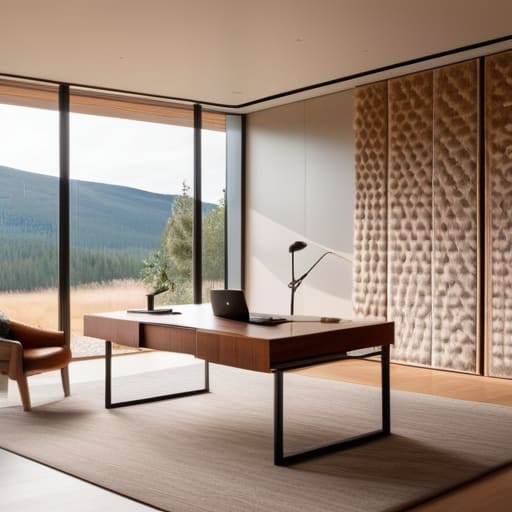
I was sitting in a tiny cafe in Porto last month, trying to push through a complex cloud migration, when a sudden burst of echo from a nearby espresso machine made my focus completely shatter. It wasn’t just the noise; it was the way the sound bounced off the hard surfaces, turning a simple notification into a jarring distraction. Most people think you need to spend thousands on professional-grade foam panels or permanent architectural changes to fix your home office acoustics, but that’s just marketing fluff designed to sell gear you don’t need.
I’m not here to sell you a dream studio or a heavy, static setup that anchors you to a single room. Instead, I want to show you how to build a portable, practical soundscape that actually works with your life. I’ll be sharing the exact, low-profile tactics I use to manage sound when I’m moving between cities, focusing on tools that are as invisible and seamless as the cloud setups I manage. We’re going to strip away the hype and focus on what actually matters: protecting your flow so you can get the work done, anywhere.
Table of Contents
- Sound Absorption vs Soundproofing Choosing Tools That Dont Clutter
- Strategic Acoustic Treatment for Remote Work Anywhere
- Small Tweaks for a Seamless Soundscape
- The Bottom Line: Build for Focus, Not Just Sound
- ## The Invisible Barrier
- Final Thoughts on the Invisible Workspace
- Frequently Asked Questions
Sound Absorption vs Soundproofing Choosing Tools That Dont Clutter
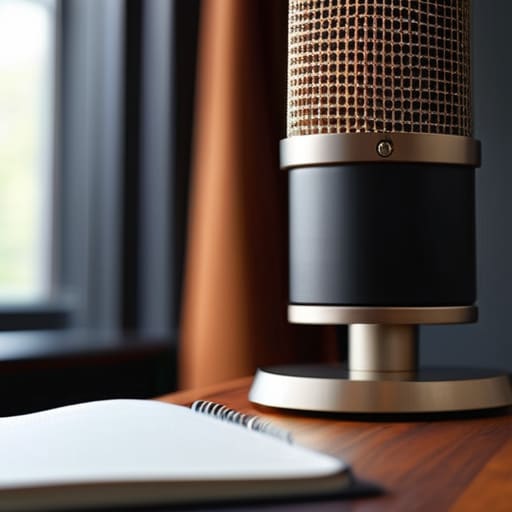
Most people jump straight to buying a bunch of cheap acoustic foam panels for walls the second they hear an echo on a Zoom call, but that’s a mistake. There’s a massive difference between sound absorption vs soundproofing that most “office hack” videos gloss over. Soundproofing is about blocking noise from entering or leaving the room—think heavy doors or thick construction—which is basically impossible if you’re working out of a rental or a small apartment. For my setup, I don’t care about total isolation; I care about clarity.
Instead of trying to build a literal bunker, I focus on managing how sound bounces around my immediate workspace. I use targeted sound dampening materials to catch reflections before they hit my mic. This is the most efficient way of reducing reverb in video calls without turning my desk into a cluttered mess of foam. If you keep your treatment localized to where you actually sit, you get that professional, crisp audio profile without sacrificing the minimalist aesthetic I live by. Keep it functional, keep it light, and don’t overcomplicate the physics.
Strategic Acoustic Treatment for Remote Work Anywhere
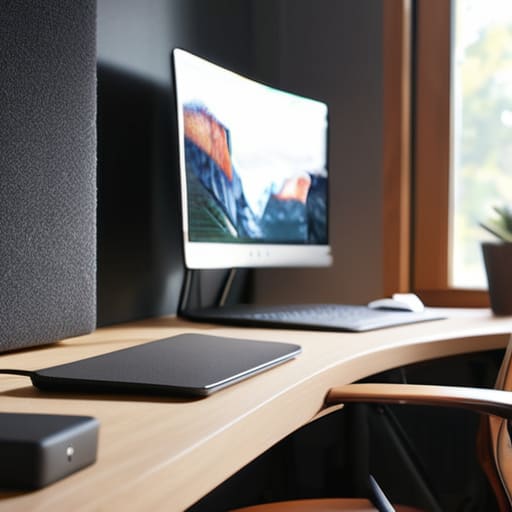
When I’m setting up in a new space—whether it’s a temporary rental in a small city or a quiet corner of a cafe—I don’t bring a massive kit of heavy gear. Instead, I focus on lightweight, high-impact solutions. If you’re stuck in a room with too many hard surfaces, the first thing you’ll notice is that hollow, echoing sound during meetings. To fix this without turning your desk into a construction site, I look for modular acoustic foam panels for walls that I can easily reposition. The goal isn’t to build a studio; it’s about reducing reverb in video calls so you actually sound like a professional, not someone shouting from inside a bathroom.
The real trick to a mobile-friendly setup is prioritizing sound dampening materials that serve dual purposes. Think soft surfaces—a thick felt desk mat or even heavy linen curtains—that soak up stray sound waves without adding visual clutter. You want a setup that manages the environment for you, allowing you to stay in that deep-work flow without being distracted by every little bounce of audio in the room.
Small Tweaks for a Seamless Soundscape
- Don’t overthink the heavy foam panels; a thick rug or even some heavy curtains can kill that annoying echo without making your room look like a recording studio.
- If you’re working from a cafe or a loud Airbnb, invest in high-quality ANC headphones—they’re basically a portable acoustic treatment for your ears.
- Position your desk away from large, flat glass surfaces or empty walls that bounce sound right back into your mic during calls.
- Keep your gear minimal; a single, high-quality cardioid microphone is way better for clarity than a cheap headset that picks up every bit of ambient noise.
- Use soft goods like a desk mat or even a small throw pillow near your workspace to soak up those high-frequency reflections that ruin your focus.
The Bottom Line: Build for Focus, Not Just Sound
Stop trying to soundproof a whole room; focus on targeted absorption that kills echo without turning your workspace into a padded cell.
Prioritize gear that’s portable or low-profile so your acoustic setup doesn’t become a permanent anchor to one specific desk.
Treat your audio environment like your cloud stack—it should be invisible, seamless, and something you never have to think about once it’s configured.
## The Invisible Barrier
“Acoustics shouldn’t be about adding bulky foam panels to every wall; it’s about creating a controlled environment where the only thing you actually hear is your own focus.”
Elias Vandermeer
Final Thoughts on the Invisible Workspace
At the end of the day, optimizing your acoustics isn’t about turning your room into a sterile recording studio; it’s about removing the friction between you and your focus. Whether you’re deciding between heavy-duty soundproofing or just adding some smart absorption to kill that annoying echo, the goal is the same: clarity. You need a setup that handles the environment for you, so you aren’t constantly adjusting your mic levels or fighting background noise during a critical client call. Keep your tools minimal, keep your treatment strategic, and make sure your setup is built to adapt to wherever you happen to be working this week.
We spend so much time obsessing over processor speeds and cloud latency, but we often forget that our physical environment is the foundation of our digital performance. If your space feels chaotic or sounds hollow, your brain will eventually feel that way too. Don’t let a poorly tuned room become a bottleneck for your productivity. Invest in an acoustic environment that feels seamless and intentional, because when your tools and your space finally disappear into the background, that’s when you’re actually free to do your best work.
Frequently Asked Questions
How do I fix echo in a room without turning my workspace into a recording studio filled with ugly foam panels?
Look, you don’t need to wallpaper your walls in cheap black foam to kill an echo. That’s a vibe killer. I usually lean into “soft” textures that actually look good. Think heavy linen curtains, a thick rug under your desk, or even a few bookshelves filled with books. They act as natural diffusers. If you need something more targeted, grab a few sleek felt acoustic panels. Keep it minimal, keep it functional, and keep the aesthetic clean.
Are there any portable acoustic solutions that actually work when I'm working out of a temporary rental or a cafe?
Honestly, if you’re bouncing between rentals or cafes, forget the heavy foam panels. They’re a nightmare to pack. I usually stick to high-quality noise-canceling headphones—it’s the most portable “acoustic treatment” there is. If I’m in a rental with terrible echo, I’ll throw a thick rug down or even just use heavy curtains. It sounds low-tech, but soft surfaces kill that hollow reverb without turning my setup into a construction site.
Can I improve my audio quality through software and cloud-based noise cancellation if I can't change my physical environment?
Absolutely. If you’re stuck in a room with bad echoes or a noisy neighbor, don’t stress about buying foam panels you can’t take with you. Lean into the software layer. Tools like Krisp or even the built-in noise suppression in Discord and Zoom are lifesavers. They use AI to strip out background chaos, making your setup feel much more professional without adding a single piece of physical clutter to your desk.




