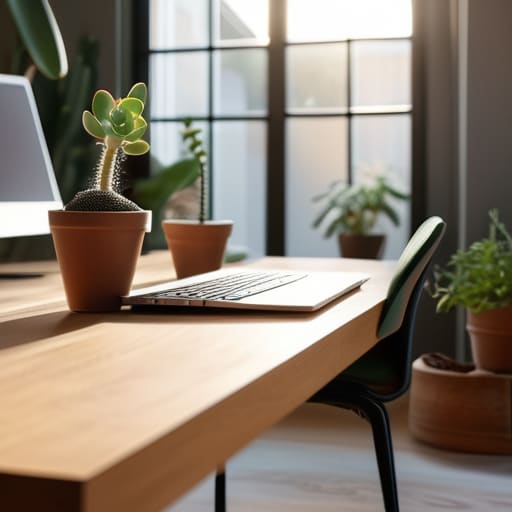
I spent three months working out of a basement studio in Berlin last year, and I can tell you right now: no amount of high-end, color-accurate studio lamps can fix a workspace that’s fundamentally disconnected from the sun. People love to obsess over expensive monitor hoods and specialized task lighting, but they completely ignore the most basic element of a productive environment. If you aren’t optimizing your natural lighting office setup, you’re basically fighting a losing battle against your own circadian rhythm. I’ve seen too many “pro” setups that look great in a static photo but feel completely soul-crushing once you actually try to sit down for an eight-hour deep work session.
I’m not here to sell you on some aesthetic lifestyle trend or tell you to go buy a thousand-dollar smart bulb system. I want to show you how to actually use the light you already have to reduce eye strain and keep your focus sharp, even when you’re jumping between different temporary setups. I’ll be sharing the practical, low-maintenance tactics I use to manage glare and light shifts without cluttering my desk or breaking my workflow. Let’s get into the actual mechanics of making light work for you, not against you.
Table of Contents
Reducing Screen Glare for Invisible Seamless Focus
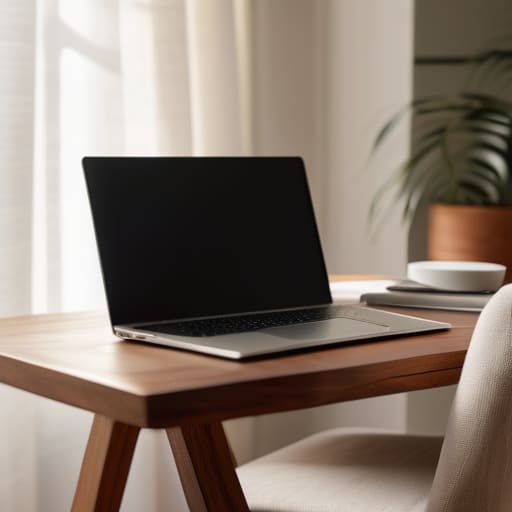
The biggest killer of deep work isn’t a bad connection; it’s that blinding white patch of light bouncing off your monitor right when you’re mid-flow. If you’re sitting perpendicular to a window, you’re basically asking for a headache. I’ve spent too many afternoons in cafes trying to tilt my laptop at a ridiculous angle just to see my code. Instead of fighting the environment, try reducing screen glare by using sheer linen curtains or smart blinds. They diffuse the light, turning a harsh glare into a soft, even glow that keeps your eyes from straining.
I’m a big believer in indoor lighting ergonomics, which means your setup should work with the sun, not against it. If you can’t move your desk, look into matte screen protectors or high-quality anti-glare films. It sounds like a small fix, but when you’re trying to disappear into a complex cloud deployment, you need your tools to be invisible. You shouldn’t be thinking about the light hitting your eyes; you should only be thinking about the work in front of you.
Daylight Harvesting Techniques for a Mobile First Mindset
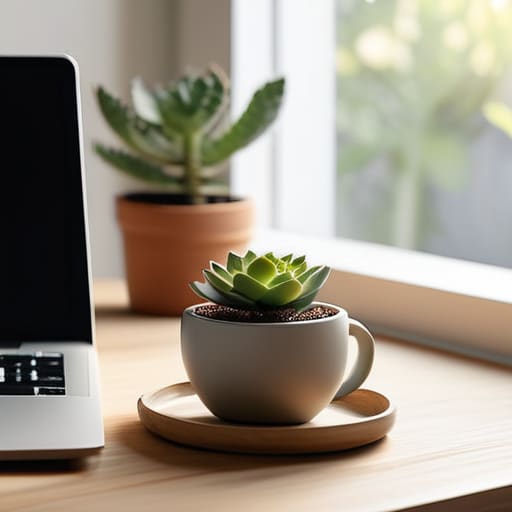
Since I’m constantly moving between different Airbnbs and co-working spaces, I can’t exactly control the architecture of the building. I have to make the light work for me on the fly. This is where daylight harvesting techniques become a necessity rather than a luxury. Instead of just sitting wherever the desk is, I scout for spots where the sun provides consistent, indirect illumination. I look for north-facing windows or areas where light bounces off a neutral wall; this gives me that steady brightness without the harsh, direct heat that kills a laptop’s performance.
If I’m stuck in a spot with aggressive, direct sun, I lean into a bit of biophilic office design by using lightweight, portable sheer curtains or even just repositioning my setup to catch the peripheral glow. The goal is to maximize natural light productivity without the headache of constant squinting. It’s about creating a flow where the environment supports your rhythm. If you can manage your light exposure effectively, you aren’t just working in a room—you’re optimizing your entire sensory input for deep, uninterrupted focus.
5 ways to make light work for you, not against you
- Position your desk perpendicular to the window. If you face the light directly, you’ll deal with eye strain; if your back is to it, you’re staring at a glare-filled nightmare. Side-lighting is the sweet spot for staying focused.
- Invest in sheer linen or light-filtering blinds. You want to diffuse that harsh, direct midday sun into a soft, even glow that fills the room without washing out your screen.
- Use the “Golden Hour” rule for your deep work sessions. If your setup is near a window, time your most intensive coding or integration tasks for when the light is soft and indirect to avoid the midday headache.
- Don’t ignore the shadows. If you’re working in a corner, use a small, warm-toned task lamp to fill in the dark spots created by natural light. A high-contrast environment is a distraction; you want a seamless transition from window light to desk light.
- Mirror your light sources. If you’re in a cramped rental or a small cafe, use a small mirror strategically placed to bounce natural light into the darker corners of your workspace, making the whole area feel more open and less claustrophobic.
The takeaway: Making light work for you
Stop treating light as a distraction; position your setup so natural illumination supports your focus instead of fighting your screens.
Prioritize portability by choosing lighting solutions that adapt to whatever mediocre desk or window you find yourself working next to.
Aim for seamless integration—the best lighting is the kind you don’t even notice because it’s working perfectly in the background.
The invisible variable
“If you’re fighting a glare on your monitor or squinting through a dim room, you aren’t working; you’re just managing your environment. Good lighting should be like a clean cable management job—you shouldn’t even notice it’s there, it just lets you stay in the flow.”
Elias Vandermeer
The Invisible Advantage
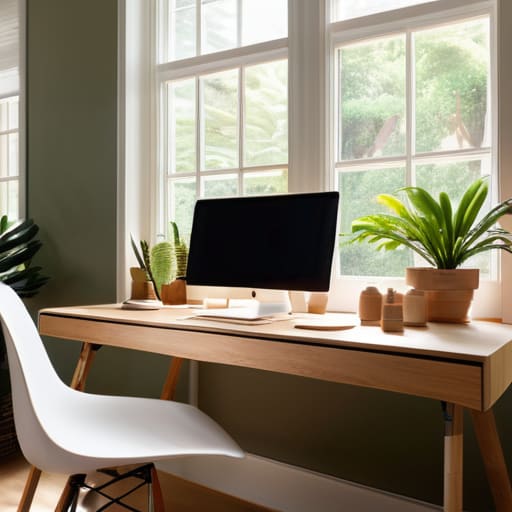
At the end of the day, optimizing your workspace for natural light isn’t about chasing an aesthetic for Instagram; it’s about eliminating friction. We’ve looked at how managing glare keeps your focus sharp and how harvesting daylight allows you to maintain a high-level workflow without being tethered to a specific corner of a room. When you treat light as just another component of your tech stack—something to be managed and integrated rather than fought—you create an environment that actually supports your cognitive load. A setup that respects your circadian rhythm and minimizes eye strain is a setup that lets you actually do the work instead of just managing your discomfort.
My philosophy has always been that your tools should be invisible, and your environment should be no different. If you’re constantly squinting at a screen or feeling drained by harsh, artificial overheads, your setup is failing you. Stop settling for static, poorly lit spaces that force you to adapt to them. Instead, build a mobile-first, light-aware workflow that moves with you. Whether you’re in a quiet cafe or a temporary rental, prioritize that connection to the outside world. When you master your environment, you finally gain the freedom to master your craft.
Frequently Asked Questions
How do I manage natural light in a small rental or temporary space without being able to swap out the windows?
Since you can’t swap the windows, stop trying to fight the architecture and start layering your control. I always lean on high-quality, tension-rod blackout curtains or even temporary, static-cling window films if I’m in a short-term rental. They’re non-destructive and easy to pack when I move. If the glare is still killing your focus, grab a simple monitor hood or adjust your desk angle to intercept the light before it hits your screen.
What are the best portable tools or window treatments to stop harsh afternoon sun from killing my focus?
If you’re moving around as much as I am, you can’t rely on built-in blinds. I always pack a set of lightweight, suction-cup blackout shades or even just high-quality linen cafe curtains if I’m staying somewhere longer. They’re easy to toss in a tech bag and kill that harsh glare instantly. Honestly, if you’re stuck in a spot with zero control, a simple, foldable laptop sunshade is a lifesaver for maintaining focus.
Is it possible to balance natural light with my screen setup if I'm working in a location with unpredictable weather?
It’s definitely possible, but you have to stop relying on static setups. When the weather turns gray or the sun suddenly peaks through, your environment shifts. I always keep a high-quality, dimmable monitor light bar in my kit. It bridges the gap when natural light fails, maintaining consistent contrast without the eye strain. Think of it as your manual override—it keeps your workspace stable even when the sky isn’t.




