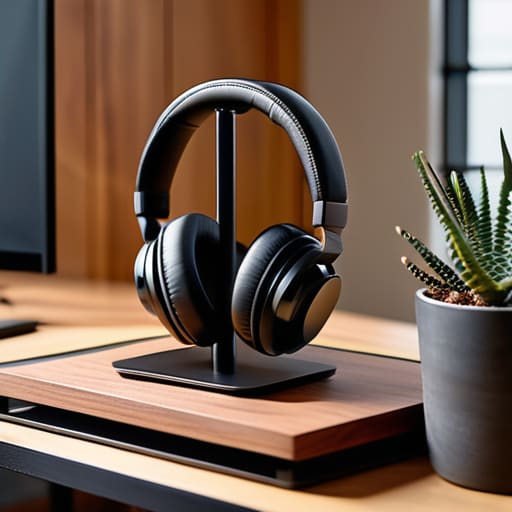
I was sitting in a cramped cafe in Lisbon last month, trying to squeeze my workflow into a tiny corner table, when I realized my gear was actively fighting me. My high-end noise-canceling headphones were just sliding around the table next to my laptop, taking up precious real estate and constantly getting knocked into my coffee. It’s one of those small, infuriating frictions that most people ignore, but if you’re trying to maintain a professional flow while moving between cities, it’s a massive distraction. You don’t need some $100 RGB-lit gaming throne to fix this; you just need a decent headset stand that actually respects your limited workspace.
I’m not here to sell you on flashy, over-engineered plastic junk that looks like it belongs in a teenager’s bedroom. My goal is to cut through the marketing noise and show you how to pick a setup that is actually functional and fits a minimalist, mobile lifestyle. I’ll be sharing my personal shortlist of tools that prioritize clean cable management and portability, helping you reclaim your desk space so you can stop managing your gear and start focusing on your work.
Table of Contents
Mastering Audio Gear Organization Without the Bulk
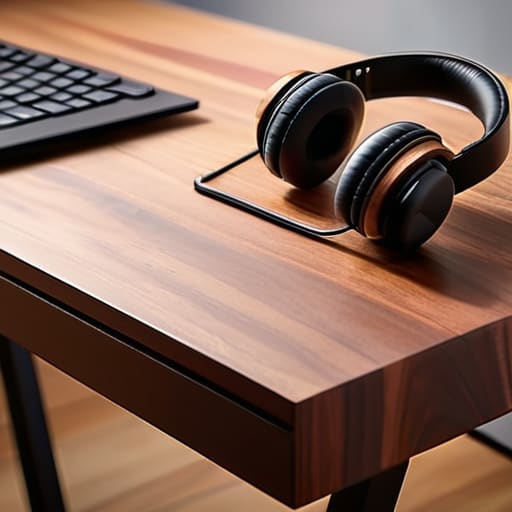
When you’re moving between temporary workspaces or just trying to keep a small footprint, the biggest enemy is visual clutter. I’ve learned the hard way that leaving your headphones just lying on the desk isn’t just messy—it’s a distraction. To keep things streamlined, I lean toward audio gear organization that prioritizes vertical space. Instead of a bulky base that eats up your desk real estate, I prefer a clamping headphone mount. It tucks right under the edge of the desk, keeping your gear accessible but completely out of your line of sight when you’re deep in a sprint.
If you aren’t into the clamp style, look for something that doubles as part of your minimalist desk decor. The goal is to find a solution that feels intentional rather than like an afterthought. I try to avoid those massive, over-the-top gaming setup accessories that look like they belong in a neon-soaked basement. For me, it’s about finding that sweet spot where your gear stays protected and organized without making your workspace feel cramped or uninviting.
Minimalist Desk Decor That Actually Serves a Purpose
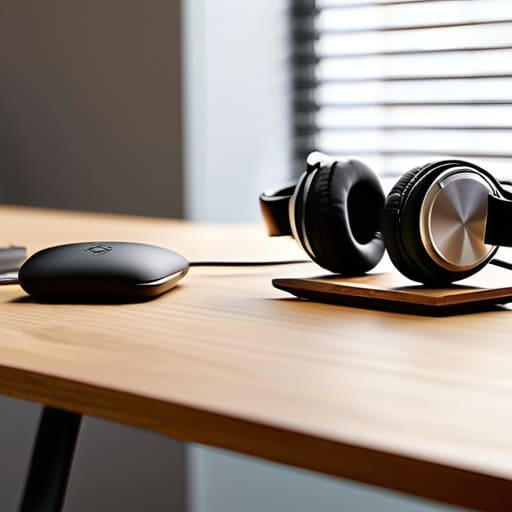
When I’m setting up in a new Airbnb or a cramped co-working space, I quickly learn that every inch of desk real estate is precious. Most people fall into the trap of buying “aesthetic” trinkets that just end up collecting dust and creating visual noise. For me, true minimalist desk decor isn’t about how many plants or figurines you have; it’s about choosing items that serve a dual purpose. If an object doesn’t help me maintain my flow or organize my gear, it’s just clutter.
I’ve found that the best way to keep a clean profile is to look for integrated headphone storage solutions that don’t eat up your surface area. Instead of a bulky plastic base sitting in the middle of my workspace, I prefer a sleek clamping headphone mount that attaches directly to the edge of my desk. This keeps my audio gear off the main pad, leaving plenty of room for my mechanical keyboard and mouse. It’s a small tweak, but it’s one of those tiny adjustments that makes an ergonomic desk setup feel much more intentional and less chaotic.
Five Ways to Keep Your Audio Gear from Ruining Your Flow
- Prioritize verticality. When I’m working in a tiny cafe or a cramped Airbnb, desk real estate is my most precious resource. A stand pulls your headset off the surface and uses dead space, keeping your workspace clear for the actual work.
- Go for weighted bases. There’s nothing more annoying than reaching for a coffee and accidentally knocking your expensive headphones onto the floor. If the stand isn’t heavy enough to anchor itself, it’s just more clutter waiting to cause a disaster.
- Match your setup’s aesthetic. I’m big on minimalist tech-wear and clean lines, so I avoid those cheap, bright plastic stands. A matte black or brushed aluminum stand feels like a part of the gear, not a random piece of junk sitting on your desk.
- Consider cable management integration. The best stands aren’t just hooks; they help manage the mess. Look for one that can tuck your charging cable underneath or around the base so you aren’t staring at a bird’s nest of wires while you’re trying to focus.
- Think about portability. Since I move around a lot, I avoid anything bulky or overly decorative. If I can’t toss it into my tech pouch without it feeling like a chore, it doesn’t belong in my kit. Keep it slim, keep it functional.
The Bottom Line on Desktop Friction
Stop treating your headset like an afterthought; giving it a dedicated spot prevents cable tangles and keeps your workspace from feeling like a junk drawer.
Prioritize vertical space to keep your desk surface clear, because a cluttered desk is just a distraction you don’t need when you’re trying to hit a flow state.
Choose gear that fits a nomadic or minimalist lifestyle—if a stand is too bulky to toss in a tech pouch, it’s probably not worth the footprint on your desk.
## Beyond Just Aesthetics
“A headset stand isn’t about making your desk look good for a photo; it’s about removing that one piece of friction that keeps you from hitting your flow state the second you sit down.”
Elias Vandermeer
Final Thoughts on a Frictionless Setup
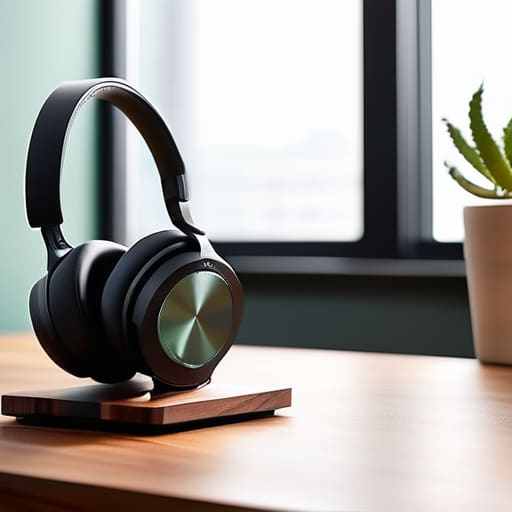
At the end of the day, a headset stand isn’t just about finding a place to drop your gear when you’re done with a call. It’s about reducing the micro-frictions that clutter your mental space. We’ve talked about how organizing your audio gear and choosing purposeful decor can transform a chaotic desk into a streamlined workstation. Whether you’re opting for a heavy-duty aluminum stand for a permanent home office or a lightweight, foldable option that fits in your tech pouch, the goal remains the same: eliminate the clutter so you can focus on the output. If your tools are constantly in your way, they aren’t tools—they’re distractions.
I’ve learned through a lot of different cities and mediocre Wi-Fi connections that your environment dictates your ability to perform. You don’t need a sprawling, expensive studio to be a professional; you just need a setup that works with you rather than against you. Invest in the small things that make your workflow feel seamless and intentional. When your physical space is dialed in and your gear has its own dedicated spot, you stop thinking about the mess and start thinking about the code, the integration, or the next project. Build a setup that moves as fast as you do.
Frequently Asked Questions
Should I go with a weighted metal stand or a clamp-on style to save more desk real estate?
If you’re tight on space, go with the clamp-on. It clears the desk surface entirely, which is a massive win for my minimalist setups. However, if you move around a lot—like I do—a weighted metal stand is more versatile. You can toss it in a tech pouch and set it up anywhere without worrying about finding a desk edge that fits a clamp. For pure real estate, clamp wins; for mobility, weighted is king.
Is it actually worth getting a stand with built-in USB ports, or does that just add more cable clutter to manage?
Honestly, it’s a coin toss. If you’re a minimalist, a stand with built-in USB ports can be a trap. You think you’re saving space, but you’re actually just adding more cables to your cable management nightmare. Unless you’re constantly swapping thumb drives or need a quick charge for a peripheral, stick to a clean, standalone stand. Keep the ports on your hub or dock; don’t let a “convenience” feature turn your desk into a tangled mess.
How do I keep my headset from sliding off if I'm working from a cafe or a temporary setup?
When I’m working out of a cafe, I can’t exactly lug around a heavy metal stand. The trick is to stop thinking about “stands” and start thinking about “surface grip.” I usually carry a small, silicone-based mat or even just a heavy, textured coaster. If you place your headset on something with high friction, it won’t slide off the edge of a cramped bistro table when someone bumps it. Keep it light, keep it grippy.




