I was sitting in a cramped co-working space in Lisbon last month, trying to troubleshoot a client’s cloud migration on a tiny, scarred wooden table. Every time my mechanical keyboard moved, it sounded like a jackhammer against the hard surface, and the cold wood was making my wrists ache. People love to talk about “ergonomic upgrades” like they cost a thousand dollars, but they completely overlook the simplest desk mat benefits that actually change your workflow. You don’t need a high-end standing desk to fix a bad setup; sometimes you just need to stop the friction between your gear and a mediocre surface.
I’m not here to sell you on some overpriced, aesthetic-only felt pad that just collects dust. My goal is to show you how a single, well-chosen layer can turn a chaotic, noisy workspace into a seamless zone for deep work. I’ll be breaking down the practical side of things—from sound dampening to tactile consistency—so you can build a setup that actually supports your focus, no matter where you’re working from.
Table of Contents
- Improving Mouse Tracking Precision for Uninterrupted Flow
- Minimalist Workspace Organization to Eliminate Visual Noise
- Five ways to optimize your surface for deep work
- The Bottom Line: Why Your Setup Needs a Foundation
- The Invisible Layer of Focus
- Final Thoughts on the Frictionless Setup
- Frequently Asked Questions
Improving Mouse Tracking Precision for Uninterrupted Flow
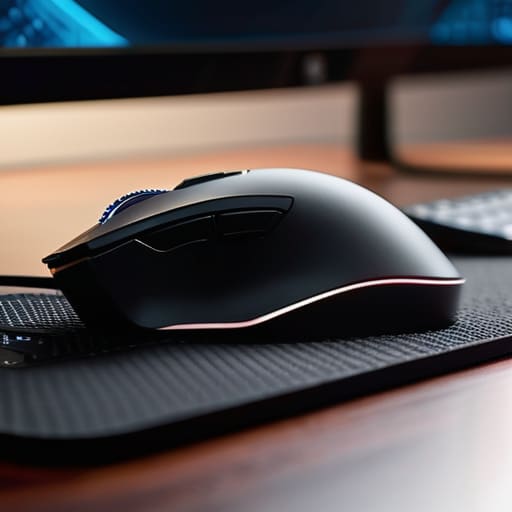
If you’ve ever been mid-sprint on a cloud deployment only to have your cursor jitter or skip because you’re moving across a grain of wood or a slightly uneven desk, you know the frustration. It breaks the flow instantly. I’ve found that improving mouse tracking precision isn’t just about getting a high-DPI sensor; it’s about the surface beneath it. A high-quality mat provides a consistent, predictable texture that allows the sensor to read movement without the micro-stutters that happen on bare desks.
When I’m working out of a cafe or a temporary rental, I look for specific desk mat material types—usually a dense, fine-weave cloth—that offer that smooth glide. It turns the mouse into an extension of your hand rather than a tool you’re fighting against. Beyond the technical side, there’s a massive component of reducing wrist fatigue. Having that soft, cushioned layer under your palm means your joints aren’t constantly absorbing the hard impact of a desk surface, which is a huge win for anyone pulling long sessions of deep work.
Minimalist Workspace Organization to Eliminate Visual Noise
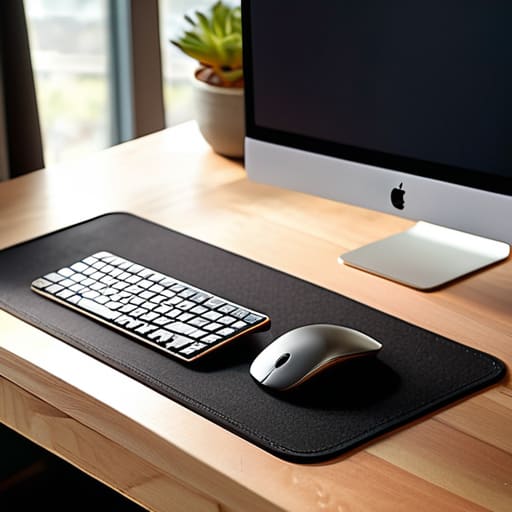
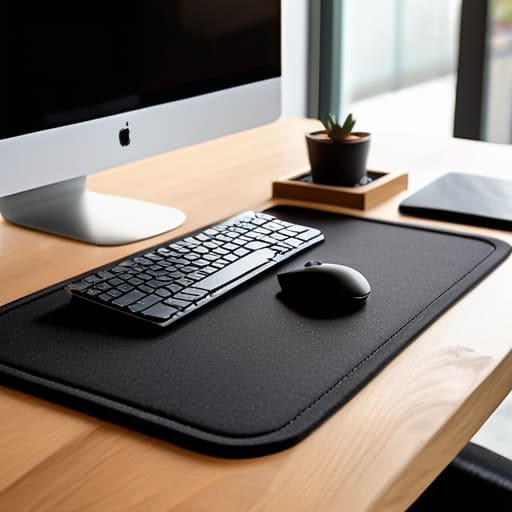
If your desk looks like a graveyard of tangled cables and random peripherals, your brain is going to feel it. I’ve found that minimalist workspace organization isn’t just about aesthetics; it’s about cognitive load. When I’m working out of a cafe or a temporary rental, I use a large desk mat to act as a visual anchor. It creates a defined “work zone” that separates my gear from the rest of the clutter, helping me mentally switch into deep work mode.
Beyond the mental clarity, there’s a practical side to keeping things clean. A high-quality mat serves as a buffer, essentially protecting your desk surface from scratches and wear caused by heavy laptops or moving hardware. Instead of having a dozen small items scattered around, a single, cohesive surface pulls everything together. It turns a chaotic surface into a streamlined station where everything has its place, allowing the tools to become invisible so you can actually focus on the code or the integration task at hand.
Five ways to optimize your surface for deep work
- Choose a matte texture to kill glare. If you’re working under harsh overhead lights or near a window, a glossy surface is just a distraction waiting to happen. You want a surface that absorbs light, not reflects it.
- Prioritize material density. A thin, flimsy mat will bunch up or slide around, which is a massive friction point. Go for something with enough weight to stay anchored, even when you’re moving quickly.
- Match your mat to your peripheral footprint. Don’t just grab the first one you see. If you use a large, ergonomic mouse, a small mat is a recipe for frustration. Your mat should define your “active zone,” not restrict it.
- Think about thermal comfort. If you’re working in a cold cafe or a drafty Airbnb, a desk mat acts as a thermal buffer. It keeps your wrists from freezing on a cold wood or metal surface, helping you stay in the zone longer.
- Use it as a visual anchor for your setup. In a minimalist setup, a desk mat acts as a frame for your essentials. It keeps your keyboard, mouse, and even your phone contained in one cohesive area, which helps reduce mental clutter.
The Bottom Line: Why Your Setup Needs a Foundation
Stop treating a desk mat like a decoration; it’s a functional layer that bridges the gap between your hardware and your focus.
A clean, uniform surface reduces the micro-distractions—like a cold desk or a dragging mouse—that break your flow state.
If you’re moving between setups, a high-quality mat is the easiest way to maintain a consistent, tactile environment anywhere.
The Invisible Layer of Focus
A desk mat isn’t just another piece of gear to clutter your setup; it’s about creating a consistent, tactile boundary that tells your brain it’s time to lock in. When your surface feels right, the friction between your tools and your hands just disappears.
Elias Vandermeer
Final Thoughts on the Frictionless Setup
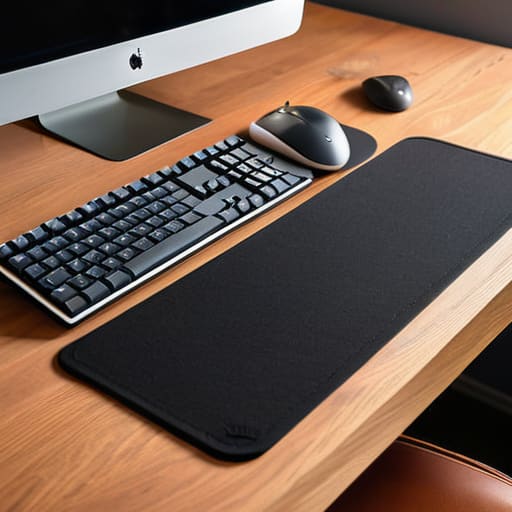
At the end of the day, a desk mat isn’t just some aesthetic accessory you buy to make your setup look good for a photo. It’s a functional layer that solves real problems—from fixing your mouse sensor’s jitter to providing a consistent, tactile surface that keeps your gear from sliding around during a heavy sprint. Whether you’re looking to minimize visual clutter or simply want to stop your wrists from hitting a cold, hard desk surface, these small adjustments pay off in the long run. When you optimize for the small things, you’re essentially removing the micro-distractions that pull you out of your zone.
My philosophy has always been that your gear should work for you, not the other way around. As I move between different cities and temporary setups, I’ve realized that the best tools are the ones that make the transition between environments feel seamless. Don’t get caught up in the hype of over-engineered, expensive peripherals if they don’t actually improve your focus. Instead, aim for a setup that is purposeful and portable. Build a workspace that supports your flow, stays out of your way, and ultimately lets you focus on the work that actually matters.
Frequently Asked Questions
Are there specific materials that work better if I'm frequently moving between different cafe setups or coworking spaces?
If you’re bouncing between cafes, skip the heavy, oversized desk mats. They’re a nightmare to roll up and take up too much space in a tech pouch. I stick to lightweight, high-density felt or thin microfiber mats. They provide enough texture for my mouse to track smoothly on a marble cafe table, but they’re thin enough to fold into a laptop sleeve without adding bulk. Keep it portable, or it’s just extra weight.
Does a larger desk mat actually help with organization, or does it just create more surface area to manage?
It’s a trade-off, but honestly? Go larger. A massive mat acts like a visual boundary for your “active zone.” Instead of having your keyboard, mouse, and phone scattered across a sea of wood or laminate, everything stays within one defined perimeter. It turns a chaotic desk into a singular workstation. As long as you aren’t overstuffing it with unnecessary gear, the extra surface area actually reduces mental friction by keeping your tools contained.
How much does the texture of a mat actually impact my focus during long deep-work sessions?
Honestly, it’s more about sensory friction than raw physics. If you’re using a mat with a scratchy, uneven texture, your brain is constantly processing that micro-irritation. It’s a subtle distraction, but during a deep-work sprint, those tiny sensory inputs add up and break your flow. I look for something smooth but tactile—something that feels consistent. If the texture is distracting, your setup isn’t invisible; it’s just another thing you have to deal with.