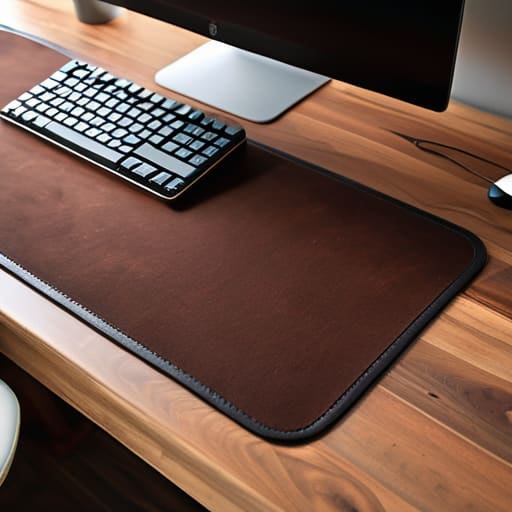
I was sitting in a cramped cafe in Lisbon last month, trying to troubleshoot a cloud migration on a tiny, wobbly bistro table, when I realized my entire workflow was being sabotaged by my gear. My mechanical keyboard kept sliding around on the polished wood, and every time I moved my mouse, it felt like I was navigating a friction-filled nightmare. I realized then that most people treat a large desk mat as just another aesthetic accessory for their Instagram setup, but that’s a massive mistake. If it isn’t serving a functional purpose—like stabilizing your peripherals or creating a consistent surface for deep work—it’s just unnecessary clutter taking up space in your bag.
I’m not here to sell you on some overpriced, RGB-lit piece of felt that looks cool in a thumbnail but falls apart after a week of travel. I want to talk about finding a surface that actually disappears into your workflow. In this guide, I’m breaking down what actually matters: texture, edge durability, and how much real estate you actually need to keep your focus from breaking. No hype, just the practical reality of building a portable, high-performance workspace that works wherever you land.
Table of Contents
Eliminating Chaos Through Minimalist Office Decor
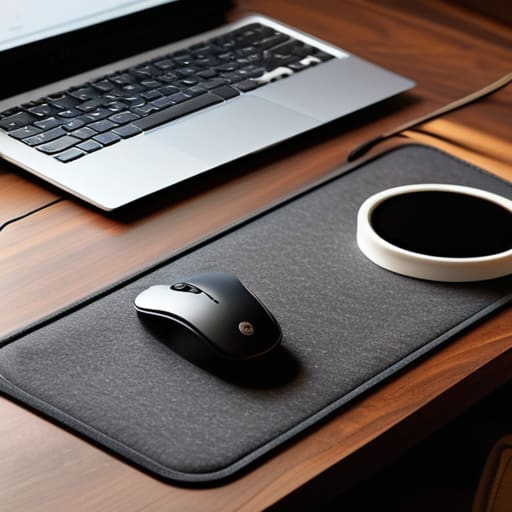
When I’m setting up in a new Airbnb or a cramped cafe, the first thing I do is clear the mental clutter by stripping my workspace down to the essentials. Most people think minimalist office decor is just about looking good for an Instagram photo, but for me, it’s a functional necessity. If my desk is covered in random trinkets or loose cables, my brain stays in “distraction mode.” I aim for a setup where every item serves a purpose. If it doesn’t help me code or manage a deployment, it doesn’t belong on the surface.
I’ve found that integrating premium felt desk pads is one of the easiest ways to create a sense of order without adding bulk. These pads act as a visual anchor for your peripherals, effectively zoning your workspace so your keyboard and mouse stay exactly where they belong. Beyond just aesthetics, they provide a layer of desk surface protection that keeps my gear from sliding around on cheap, polished wood. By defining that central zone, you eliminate the micro-frictions that usually break your focus during a long session.
Extended Mouse Pad Benefits for Seamless Movement
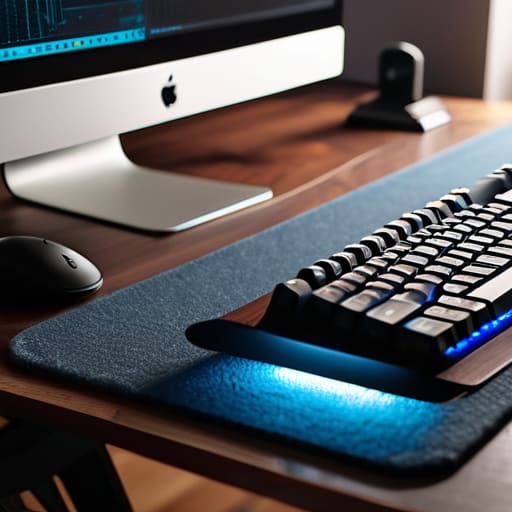
When you’re deep in a flow state—especially when I’m debugging a complex cloud integration or rebuilding a custom firmware—the last thing you need is a mouse that suddenly hits a hard edge. Using an extended surface isn’t just about aesthetics; it’s about removing the physical boundaries that break your concentration. By integrating extended mouse pad benefits into your workflow, you create a continuous zone of movement. I’ve found that having that extra real estate allows my hand to glide naturally without that jarring “stop-and-start” sensation you get with tiny, standard pads.
Beyond the movement, it’s one of those essential ergonomic workspace accessories that actually serves a dual purpose. It provides a consistent texture for your sensor while acting as a layer of desk surface protection against the inevitable coffee spills or scratches from your gear. I usually lean toward premium felt desk pads because they add a tactile, high-end feel to my setup without looking cluttered. It keeps the desk feeling intentional and clean, ensuring that your tools stay out of the way so you can focus on the actual work.
Pro-Tips for Choosing a Mat That Actually Works
- Prioritize surface texture over aesthetics. If you’re building custom mechanical keyboards, you want a mat that offers enough friction to keep your board from sliding during heavy typing sessions, but isn’t so rough that it kills your wrist comfort.
- Go for a neutral, dark colorway. I’ve learned the hard way that loud, patterned mats become visual noise after a week. A solid charcoal or deep navy keeps the focus on your monitors and helps maintain that minimalist headspace.
- Check the edge stitching quality. Nothing ruins a clean setup faster than a fraying edge. Look for low-profile, tight stitching so the mat sits flush against your desk and doesn’t create a weird bump for your forearm.
- Size it for your actual footprint, not just your mouse. A mat should cover the area where your hands naturally rest, including the space under your keyboard. If it’s too small, you’ll constantly feel like you’re hitting the edge of the desk.
- Opt for non-slip rubber backing. Since I move between different locations frequently, I need to know my gear isn’t going to migrate across the desk every time I move my mouse. A heavy, grippy base is non-negotiable for a stable workspace.
The Bottom Line: Less Friction, More Flow
Stop treating your desk as a storage unit; a large mat isn’t just an accessory, it’s a way to define your workspace and keep your gear from sliding around while you’re mid-flow.
Prioritize portability and simplicity—if your desk setup feels cluttered or heavy, it’s going to slow down your ability to work from anywhere.
Aim for a seamless surface that lets your tools (and your mouse) move without interruption, so you can focus on the code or the config, not the hardware.
## The Frictionless Workspace
A large desk mat isn’t just about aesthetics; it’s about creating a unified, predictable surface that removes the micro-distractions of a cluttered desk, letting you actually sink into your flow state.
Elias Vandermeer
The Final Layer of Your Workflow
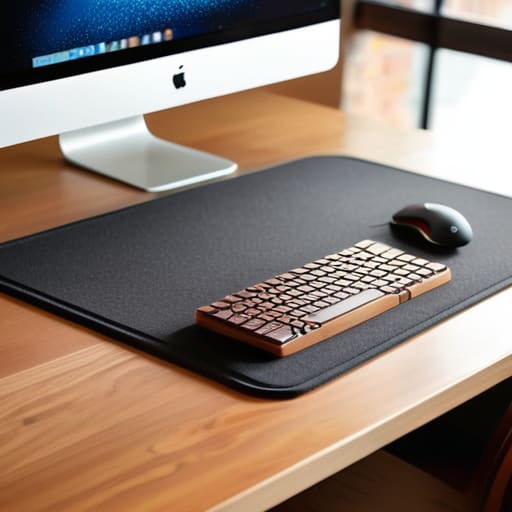
At the end of the day, a large desk mat isn’t just another piece of desk candy or a way to make your setup look good for a photo. It’s about reducing the micro-frictions that break your concentration. By unifying your peripherals, protecting your gear, and creating a dedicated zone for your hands, you’re essentially building a physical foundation for your digital work. Whether you’re troubleshooting a cloud deployment from a cafe in Lisbon or building a custom mechanical keyboard in a tiny studio apartment, having that consistent, seamless surface means your tools stay out of your way and let you focus on the task at hand.
Don’t get caught up in the trap of buying gear just for the sake of having it. Every item on your desk should earn its place by serving a purpose or enhancing your ability to enter a deep flow state. Your workspace is a living ecosystem that needs to evolve alongside your lifestyle. If you invest in quality, minimalist pieces that prioritize function over flash, you’ll find that your environment starts working for you, not against you. Stop letting a cluttered, fragmented setup dictate your productivity. Build a space that is portable, purposeful, and ready for whatever project comes next.
Frequently Asked Questions
How do I clean a desk mat without ruining the texture or the grip on the bottom?
Don’t just toss it in the wash; that’s a quick way to ruin the rubber grip or fray the edges. I usually stick to a gentle hand wash. Use lukewarm water and a tiny bit of mild dish soap. Scrub lightly with a soft sponge—avoid anything abrasive that’ll kill the texture. Rinse it thoroughly, then lay it flat to air dry. Never use a hairdryer; heat is the enemy of a clean setup.
Is it worth going for a premium felt mat, or is a standard rubberized surface better for actual productivity?
Honestly, it depends on your environment. If you’re working from a cafe or a temporary rental, a standard rubberized mat is a safer bet—it grips the desk and won’t slide around when you’re moving fast. Felt looks incredible in a minimalist setup and feels great under the hands, but it can be a nightmare for mouse precision and picks up dust easily. For pure, frictionless productivity, stick to a high-quality rubberized surface.
How do I choose the right size so it doesn't overwhelm a small, portable desk setup?
Don’t go overboard. If you’re working from a cafe or a cramped hotel desk, a massive mat that hangs off the edges is just more friction. I usually aim for something that covers the space between my keyboard and my mouse but leaves enough room for a coffee or my phone. Aim for a “medium-large” footprint—enough to ground your peripherals, but small enough that it doesn’t turn your portable setup into a logistical nightmare.




