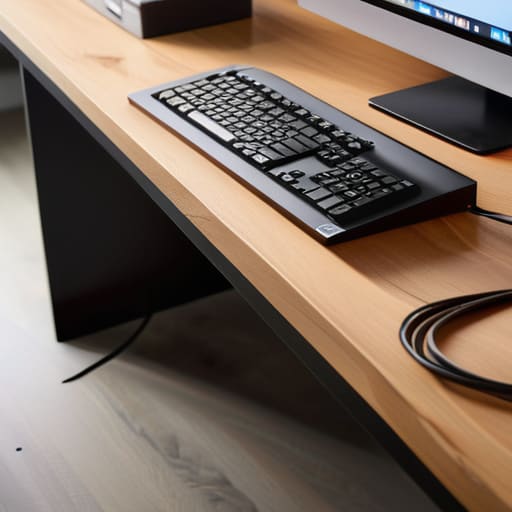
I was sitting in a cramped, overpriced co-working space in Berlin last month, trying to focus on a cloud migration project, when I caught a glimpse of my own feet. There it was: a literal nest of black cables tangling around my chair legs like some kind of digital spaghetti monster. It’s a total mental drain. You spend hundreds on high-end peripherals and sleek monitors, but the second you ignore your under desk cable trays—or worse, don’t use them at all—your entire setup feels cluttered and chaotic. Most “productivity hacks” tell you to buy more gear, but the real truth is that your workspace needs to get out of your way so you can actually think.
I’m not here to sell you on some overpriced, designer wire organizers that look good in a Pinterest photo but fail the first time you try to swap a power strip. I’ve tested enough setups across different cities and varying levels of Wi-Fi stability to know what actually works. I’m going to show you how to pick under desk cable trays that are practical, easy to install, and—most importantly—invisible once the job is done. No fluff, just the setups that keep your focus where it belongs.
Table of Contents
Achieving a Clutter Free Workstation Setup
Achieving a Clutter-Free Workstation Setup
To me, a clean desk isn’t about aesthetics—it’s about mental bandwidth. When I’m working from a temporary spot in a new city, the last thing I want to deal with is a “rat’s nest” of tangled cords tangling up my legs or catching on my chair. Real ergonomic workspace organization starts with getting the chaos off the floor and out of your immediate line of sight. If you can see the mess, your brain is processing it, even if you don’t realize it.
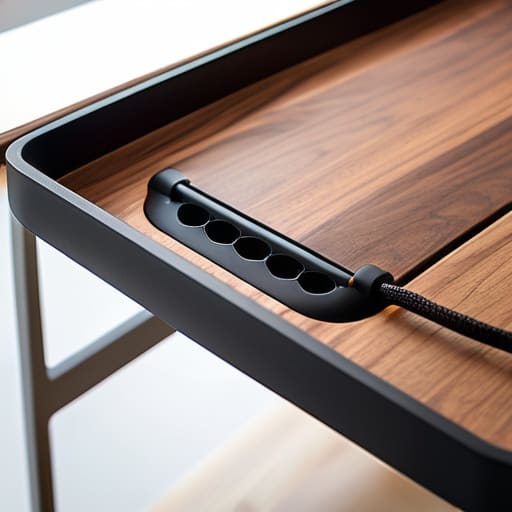
The trick is to treat your setup like a modular system. I always prioritize hidden power strip storage first; if you can mount your main power block to the underside of the desk, half your battle is already won. From there, it’s just about routing the individual lines into a structured path. Once you implement these kinds of cable management solutions for home office use, you’ll notice that the friction between you and your work just… disappears. You stop fighting your environment and actually start focusing on the code.
Mastering Wire Management Under Desk for Flow
Mastering Wire Management Under Desk for Flow
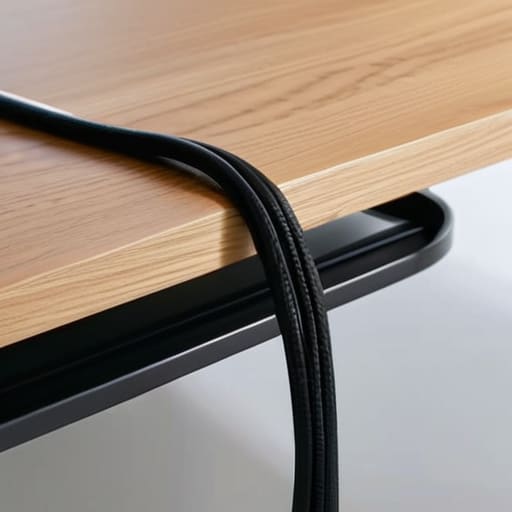
Once you’ve actually cleared the surface of your desk, the real battle begins underneath. This is where most people lose the war. If you just shove everything into a single tray, you’ll end up with a “cable nest” that’s impossible to troubleshoot when a connection drops. To truly master wire management under desk, you need to treat it like a systems integration project. Group your cables by function—power, data, and peripherals—and use Velcro ties instead of plastic zip ties. Trust me, when you eventually need to swap out a monitor or a docking station, you’ll thank yourself for not having to cut through a dozen permanent plastic loops.
The goal is to make the hardware feel invisible. I’m a big fan of using hidden power strip storage to keep the bulk of your plugs off the floor and tucked away from your feet. When your power source is elevated and contained, you eliminate that visual noise that pulls at your attention. A clean underside isn’t just about aesthetics; it’s about creating an ergonomic workspace organization that lets you focus on the code or the config, rather than the mess of wires tangling around your knees.
My Rules for a Zero-Friction Setup
- Don’t just buy any tray; pick one with enough depth to actually house your power bricks. If your surge protector is too chunky for the tray, you’ll end up with a “cable nest” hanging off the side, which defeats the whole purpose.
- Group your cables by function before you start tucking them away. Keep your power cables on one side and your data/peripheral cables on the other to minimize interference and make troubleshooting way easier when something inevitably stops working.
- Leave yourself some slack. I’ve seen too many people tighten everything down like they’re wrapping a gift, only to realize they can’t move their monitor or adjust their desk height without snapping a connection. Give your gear room to breathe.
- Use heavy-duty Velcro ties instead of plastic zip ties. Since I’m constantly tweaking my setup or moving between temporary workspaces, I need to be able to swap out a mouse or a keyboard without having to cut through a mountain of plastic.
- Route your cables through the tray from the back, not the front. You want the entry point to be as close to your desk leg or the floor as possible so the visual “noise” disappears immediately. If you see the wires, the tray isn’t doing its job.
The Bottom Line for a Frictionless Setup
Stop treating cable management as an afterthought; treat it as a core part of your infrastructure to ensure your gear doesn’t become a distraction.
Prioritize accessibility by choosing trays that allow you to swap out power bricks or peripherals without having to tear your entire setup apart.
Aim for invisibility—the goal isn’t just to hide the mess, but to create a workspace that feels light and unburdened so you can actually get into a flow state.
The Philosophy of Invisible Tech
If you’re constantly looking down and seeing a tangled nest of power bricks and Ethernet cables, your setup isn’t working for you—it’s distracting you. A good cable tray isn’t just about aesthetics; it’s about removing the visual friction so you can actually disappear into your deep work.
Elias Vandermeer
Final Thoughts on a Clean Setup
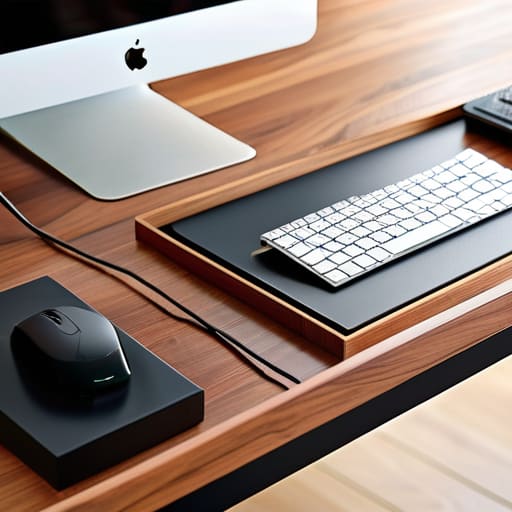
At the end of the day, investing in an under-desk cable tray isn’t about being a perfectionist or chasing some aesthetic trend on social media. It’s about removing the friction that pulls you out of your deep work state. By securing your power strips, routing your peripheral cables through a dedicated tray, and getting those heavy bricks off the floor, you’re essentially upgrading your mental bandwidth. A clean setup means fewer tangles to troubleshoot when you’re moving between locations and, more importantly, it ensures that your hardware stays as invisible and seamless as possible so you can actually focus on the code or the configuration at hand.
Don’t let a chaotic mess of wires dictate how much you can achieve in a day. Your workspace is the foundation of your productivity, and it should be built to support your mobility and your focus, not hinder it. Whether you’re working from a permanent home office or a temporary corner in a new city, aim for a setup that is built to adapt. Once you get your cables under control, you’ll realize that a truly professional environment isn’t about how much gear you own, but how effectively your tools get out of your way.
Frequently Asked Questions
How much weight can a standard under-desk tray actually hold before it starts sagging or pulling away from the desk?
Look, I’ve seen way too many setups fail because someone tried to turn a cheap wire tray into a heavy-duty power station. Most standard metal trays handle about 10 to 15 pounds easily. If you’re trying to cram a massive UPS or three heavy power bricks in there, you’re asking for trouble. If the tray starts sagging, it’s usually the screws pulling through the particle board. Don’t risk your gear; if it’s heavy, get a reinforced steel tray.
Are there specific tray styles that work better if I'm using a standing desk versus a fixed one?
If you’re running a standing desk, skip the fixed screw-in trays. You need something that moves with you. I always opt for mesh trays or adjustable wire baskets that have enough “give” to accommodate the cables stretching as the desk rises. If your tray is too rigid or sits too low, you’ll end up yanking on your peripherals every time you transition from sitting to standing. Keep it flexible; keep it seamless.
How do I manage the cables that still need to run from the tray down to my wall outlet without creating a new mess?
This is where most people fail. They clean up the tray but leave a “spaghetti waterfall” hanging from the desk. To fix this, use weighted cable anchors or adhesive clips to guide the wires along the desk leg. If you’re running a single power strip, try a cable spine; it keeps everything bundled and moves with your desk. Keep the line tight and vertical. If the wires are hugging the furniture, they effectively disappear.