I was sitting in a cramped Airbnb in Lisbon last month, trying to deploy a cloud migration script, when I realized my entire workflow was being throttled by a literal bird’s nest of tangled cords under my desk. It wasn’t just an eyesore; it was a mental tax. Every time I needed to shift my laptop or swap a peripheral, I had to fight through a chaotic mess of silicon and copper that felt completely at odds with my mobility. Most people treat cable management solutions like they’re some high-end interior design project, buying expensive, bulky plastic trays that only work if you never move your setup. That’s not how the real world works.
I’m not here to sell you on aesthetic “desk setups” that look good for a thirty-second Instagram reel but fall apart the moment you pack a bag. Instead, I’m going to show you how to build an invisible infrastructure—the kind of streamlined, practical setup that actually supports a nomadic lifestyle. I’ll be sharing the specific tools and habits I use to keep my workspace completely seamless, ensuring that your gear stays out of your way so you can actually focus on the work that matters.
Table of Contents
Hidden Wire Management Making Your Hardware Disappear
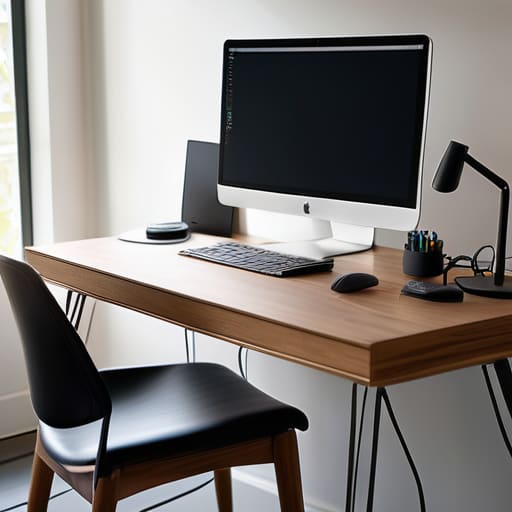
If you’re serious about a truly portable lifestyle, you can’t have a tangled nest of power bricks and USB-C cables dragging you down every time you move. To me, the goal isn’t just tidiness; it’s about achieving a clutter-free desk setup where the hardware feels like an extension of your thoughts rather than a physical obstacle. I’ve found that the most effective approach involves treating your cables like data packets—they need a dedicated path. Using under-desk trays or even simple adhesive clips to run lines along the legs of your desk is a game changer. It keeps the visual noise at zero.
When I’m setting up in a new rental or a temporary co-working space, I lean heavily on hidden wire management strategies that don’t require permanent drilling. I use modular sleeves to bundle everything into a single, manageable trunk. This isn’t just about aesthetics; it’s a core part of ergonomic workstation design. When you aren’t constantly fighting with a snagged cord or a tripping hazard, your mental bandwidth stays focused on the code or the integration work at hand. Keep the mess out of sight, and the work becomes much easier to handle.
Seamless Cable Routing Techniques for a Frictionless Flow
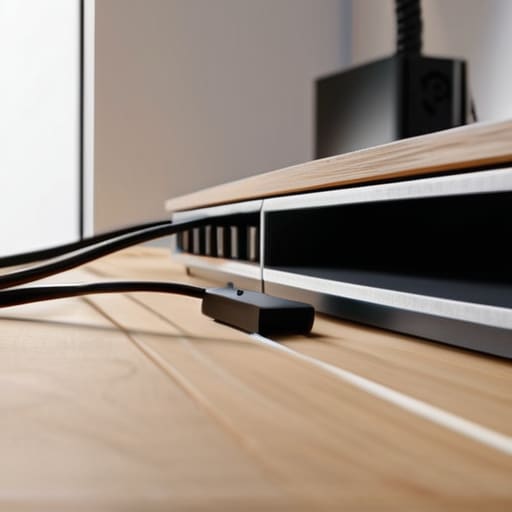
If you’re serious about a mobile or minimal setup, you can’t just hide the wires; you have to actually direct them. I’ve learned the hard way that even if your cables are tucked away, a single dangling USB-C cord can ruin your mental flow. I swear by using adhesive cable clips or small magnetic channels along the underside of my desk. These cable routing techniques allow me to guide power lines and peripherals along the frame of the desk rather than letting them hang in mid-air. It’s about creating a path that feels intentional, almost like you’ve engineered the desk to breathe.
Once you have the path mapped out, the goal is to ensure your tech accessory organization doesn’t become a secondary chore. I usually run everything through a single high-quality power strip mounted to the bottom of my workspace. This keeps the connection point from becoming a tangled nest of black plastic. When you treat your wires like part of the architecture rather than an afterthought, you achieve a truly clutter-free desk setup. It makes the transition from a home office to a temporary workspace feel effortless, which is exactly how it should be.
The Nomad’s Toolkit: 5 Quick Wins for a Cleaner Setup
- Label everything at both ends. When I’m switching between a cafe in Lisbon and a rental in Berlin, I don’t have time to play “guess the cord” while trying to troubleshoot a cloud connection.
- Invest in heavy-duty Velcro straps, not zip ties. Zip ties are permanent and aggressive; Velcro lets me rip things apart and reconfigure my setup in seconds when my workspace changes.
- Use a portable power strip with a long cord. It’s the anchor for my entire mobile office, and keeping it tucked under the desk prevents a spiderweb of wires from creeping across the floor.
- Get a dedicated cable tray for the desk. If you can get your power bricks off the floor and tucked under the tabletop, 80% of the visual chaos just disappears.
- Color-code your high-traffic cables. Using different colored sleeves for power versus data helps me spot a connection issue instantly without having to trace a single line through a mess.
The Minimalist's Cheat Sheet
Treat your cables like technical debt; if they aren’t routed or tucked away, they’re just friction slowing down your workflow.
Prioritize modularity over permanence—if you can’t pack your setup into a bag in under ten minutes, your cable management has failed you.
Aim for invisible infrastructure; the goal isn’t just a pretty desk, it’s a workspace where the hardware disappears so you can actually focus on the code.
The Mental Cost of Chaos
A tangled mess of cables isn’t just an eyesore; it’s a constant, subconscious drain on your focus. If your hardware feels like it’s fighting you every time you try to move or reset your space, you’ve already lost the battle for deep work.
Elias Vandermeer
The Final Connection
At the end of the day, managing your cables isn’t about being a perfectionist or chasing some aesthetic trend you saw on a tech subreddit. It’s about reducing the mental friction that comes with a cluttered environment. By implementing hidden routing and securing your hardware, you’ve essentially built an invisible infrastructure that supports your workflow rather than distracting from it. You’ve moved past the chaos of tangled wires and into a space where your tools actually work for you, allowing you to focus entirely on the code or the configuration at hand without that nagging feeling of visual noise in your peripheral vision.
My goal has always been to prove that a high-level professional setup isn’t defined by how much gear you own, but by how effectively that gear disappears when you’re in the zone. A clean, organized desk is more than just a way to look good on a webcam; it is a portable foundation for deep work. Whether you’re working from a minimalist studio or a temporary desk in a small-city cafe, remember that your environment should adapt to your movement. Clear the clutter, streamline your setup, and reclaim the headspace you need to actually build something meaningful.
Frequently Asked Questions
How do I manage cables when I'm constantly switching between different cafes or coworking spaces?
When you’re jumping between cafes, your “setup” isn’t a desk—it’s your tech bag. Stop carrying a tangled nest of wires. I stick to a modular approach: one high-quality GaN charger that handles everything, and a single, organized tech pouch with labeled, short cables. If it doesn’t fit in one slim organizer, it’s too much. You want to be able to deploy and disappear in under two minutes without hunting for a single cord.
What are the best ways to hide cables without making my desk setup look bulky or impossible to move?
If you’re moving as much as I am, skip the heavy wooden cable boxes. They’re anchors. Instead, go for under-desk cable trays or magnetic clips that attach directly to your frame. I swear by braided cable sleeves to group everything into a single, flexible “trunk.” It keeps the silhouette slim and makes it easy to unplug and pack up when I’m heading to a new city. Keep it modular, or it’ll just slow you down.
Is it worth investing in expensive, modular cable management gear, or can I just DIY a solution with what I already have?
Look, I’ve seen both extremes. If you’re building a permanent, high-end studio, modular gear is a solid investment for long-term sanity. But since I move around so much, I usually lean toward DIY. Honestly? A few heavy-duty Velcro ties and some simple under-desk trays from a hardware store do 90% of the heavy lifting. Don’t overspend on aesthetics until you’ve mastered the basics. Focus on what actually keeps your setup portable and clean.




