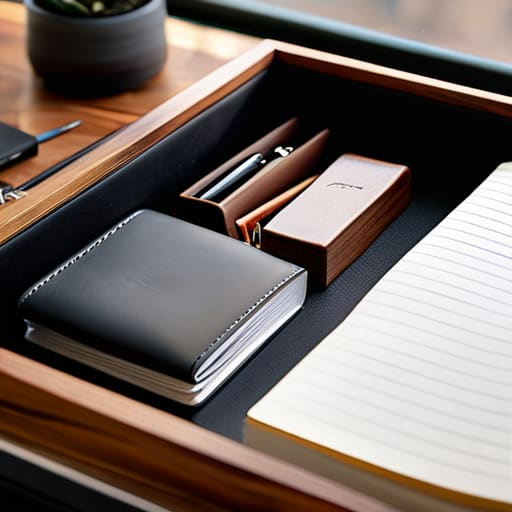
I’ve seen enough “aesthetic” desk setups on social media to last a lifetime, and most of them are total garbage. They sell you these massive, heavy wooden trays and specialized modular systems that look great in a static photo but fall apart the second you actually need to move. If you’re like me and your life isn’t tethered to a single room, most desk organizers are just unnecessary dead weight that creates more friction than they solve. You don’t need a permanent command center; you need a system that stays out of your way and actually travels with you.
In this post, I’m skipping the overpriced lifestyle fluff and focusing on what actually works for a high-performance, mobile workflow. I’ll show you how to select tools that prioritize portability and mental clarity over mere decoration. We’re going to talk about minimalist setups that keep your gear accessible without turning your workspace into a cluttered mess. My goal is to help you build a setup that is completely invisible, so you can stop managing your stuff and start actually getting your work done.
Table of Contents
Minimalist Desk Setup Removing the Physical Weight of Work
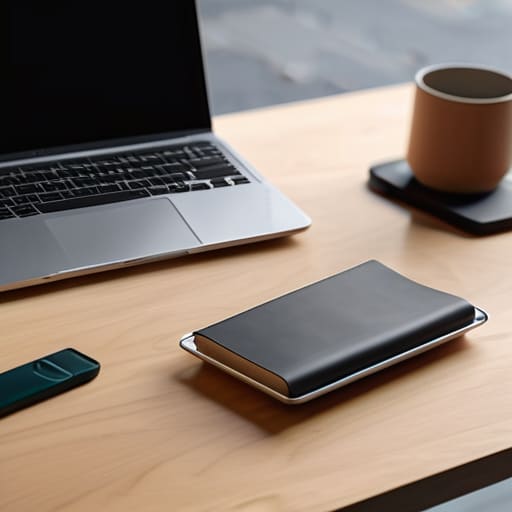
When I’m setting up in a new Airbnb or a cramped corner of a cafe, the last thing I want is a heavy, permanent footprint. A true minimalist desk setup isn’t about having nothing; it’s about ensuring that everything you do own serves a specific purpose and doesn’t weigh down your mental bandwidth. I’ve learned the hard way that if I have to dig through a pile of tangled cables or stray pens just to find my external drive, my focus is already gone.
To keep things frictionless, I lean heavily into transparency and modularity. I prefer using acrylic desk accessories because they don’t visually clutter the space; they sort your gear without making the desk feel “heavy.” Instead of bulky drawers, I look for small desk storage solutions that I can toss into my tech pouch and move when the Wi-Fi gets spotty. The goal is to eliminate the physical friction of your environment so that the only thing you’re actually managing is your code or your client deliverables.
Small Desk Storage Solutions for a Truly Portable Life
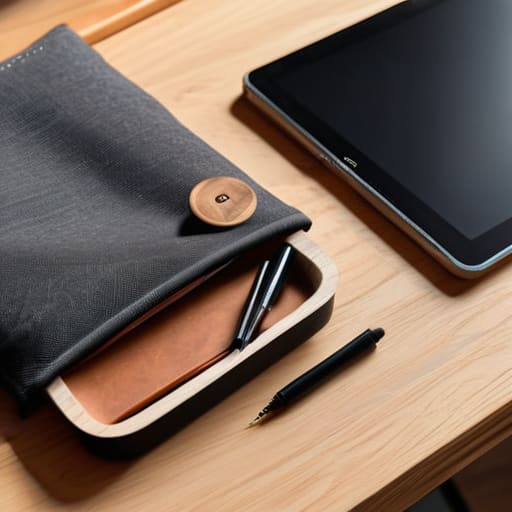
When you’re moving between Airbnbs or working out of a tiny corner in a cafe, you can’t carry a heavy filing cabinet with you. You need small desk storage solutions that prioritize density over volume. I’ve learned the hard way that if an item doesn’t serve a daily purpose, it shouldn’t be in my bag. I lean heavily into modularity—think small, stackable trays or even just a single high-quality tech pouch that keeps my cables and dongles from becoming a tangled mess in my backpack.
If you’re setting up a semi-permanent spot, I’m a big fan of using acrylic desk accessories. They’re great because they’re visually “quiet”; they don’t add visual noise to your peripheral vision, which helps maintain that calm, focused headspace I need for deep work. Instead of bulky wooden bins, a few clear organizers keep your pens and SD cards visible but contained. It’s all about keeping your immediate reach clear so you can stop hunting for gear and start actually executing your tasks.
Five Ways to Kill Workspace Friction
- Stop buying massive desk trays. If you can’t fit your organizer into a backpack or a small carry-on, it’s just more dead weight holding you back when you need to relocate.
- Go modular with your storage. I use small, stackable bins instead of one giant organizer; it lets me pick exactly what I need for the specific project I’m tackling that day.
- Prioritize cable management as part of your organization. A messy web of wires isn’t just an eyesore—it’s physical clutter that makes it impossible to clear your desk and move on.
- Keep your high-frequency tools within arm’s reach but out of sight. If you’re constantly hunting for a specific dongle or a pen, your brain is losing the deep work state you just fought to enter.
- Use vertical space when you’re stuck in a tiny setup. A small monitor riser with a built-in drawer can save your desk surface from becoming a graveyard of random tech bits.
The Bottom Line: Organizing for Mobility
Don’t buy organizers that anchor you to one spot; if your gear doesn’t fit into a bag or move easily between setups, it’s just more clutter.
Prioritize tools that clear your physical field of vision so your brain can actually enter a deep work state without distraction.
Aim for a “frictionless” setup where everything has a dedicated, reachable home, ensuring you spend your energy on the code or the project, not hunting for a dongle.
The Philosophy of Friction
A desk organizer shouldn’t just be a way to hide your mess; it should be a way to eliminate the micro-distractions that break your flow. If you have to hunt for a cable or dig through a drawer to find a drive, your setup is failing you. True organization is about making your tools invisible so you can actually stay in the zone.
Elias Vandermeer
The Final Build
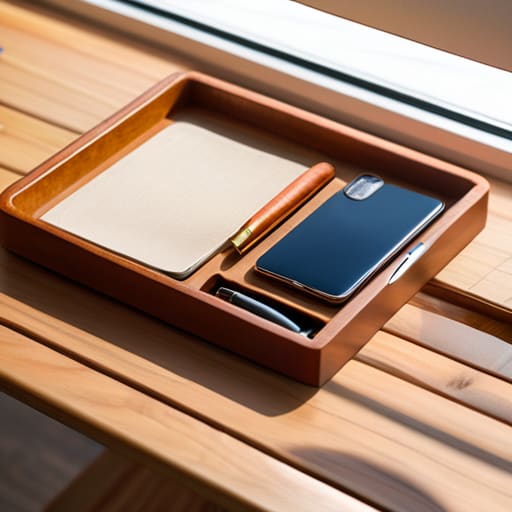
At the end of the day, organizing your desk isn’t about being a perfectionist or having a Pinterest-worthy setup; it’s about removing friction. Whether you’re scaling down to a single tray for a cafe session or optimizing a dedicated corner in a rental apartment, the goal remains the same: keep the tools you need within reach and the clutter out of your line of sight. By prioritizing portability and choosing organizers that actually move with you, you ensure that your environment supports your workflow instead of draining your mental energy. Don’t let a messy surface become a barrier to deep work.
Your setup should be a silent partner in your productivity, something so seamless that you almost forget it’s there. I’ve learned through countless different cities and varying Wi-Fi speeds that when your physical space is dialed in, your mind follows suit. Stop building static monuments to work that tie you to a single zip code. Instead, build a system that is fluid, adaptable, and lightweight. Once you master the art of the organized, mobile workspace, you realize that you aren’t just managing cables and pens—you are reclaiming your freedom to work from anywhere.
Frequently Asked Questions
How do I keep my gear organized without adding extra bulk to my travel bag?
The trick is to stop thinking about “storage” and start thinking about “modular containment.” Don’t just throw cables into a bag; use small, tech-focused pouches or even dedicated grid-it organizers. I keep my essentials—chargers, dongles, and SSDs—in slim, hardshell cases that stack perfectly. If it doesn’t have a dedicated spot in a pouch, it doesn’t go in the bag. It’s about creating a system that’s as mobile as I am.
Are there specific organizers that work well for both a permanent desk and a temporary cafe setup?
The trick is looking for “hybrid” gear—things that serve a purpose on a fixed desk but don’t feel like dead weight in a backpack. I’m big on tech pouches or modular felt organizers. They keep my cables and dongles from becoming a tangled mess in my bag, but once I land at a desk, they act as a neat little docking station. If it doesn’t fit in a slim sleeve, it’s probably too bulky.
How do I manage cable clutter in a way that doesn't ruin a minimalist aesthetic?
Cable management is the difference between a professional setup and a disaster zone. I never leave my power bricks or excess cord length just hanging there. I use magnetic cable clips to keep my charging lines exactly where I need them, and I swear by under-desk cable trays to hide the actual power strips. If it’s visible, it’s a distraction. Keep the surface clean, hide the mess underneath, and your focus stays on the code.




