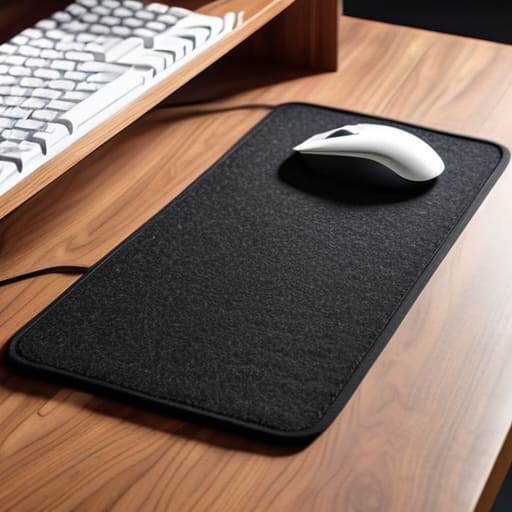
I was sitting in a cramped cafe in Porto last month, trying to troubleshoot a client’s cloud migration on a tiny, wobbly wooden table. My mechanical keyboard was sliding around like it was on ice, and every time I typed, the harsh sound of plastic hitting hard wood echoed through the room, completely breaking my focus. It’s one of those small, annoying frictions that people ignore, but when you’re trying to maintain a deep flow state, it’s a nightmare. Most people think a desk mat is just some aesthetic accessory for a “clean” Instagram setup, but they completely miss the actual desk mat utility that comes from creating a stable, dampened workspace anywhere you land.
I’m not here to sell you on some overpriced, designer felt pad that looks cool but sheds everywhere. I want to talk about how a decent mat actually functions as a tool to minimize distractions and protect your gear. I’m going to break down what actually matters—surface friction, acoustic dampening, and portability—so you can stop fighting your environment and start actually working.
Table of Contents
The Invisible Layer of an Ergonomic Workspace Setup
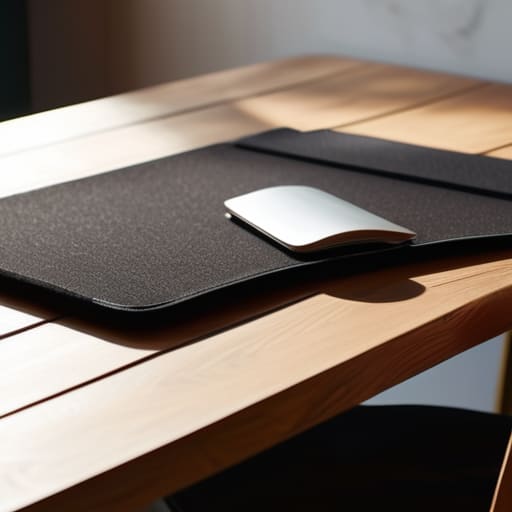
When I’m setting up in a new cafe or a temporary rental, I’m always looking for ways to reduce physical friction. Most people think ergonomics is just about chair height or monitor levels, but they overlook the surface right under their wrists. A high-quality desk mat acts as a buffer between your body and the hard, unforgiving edges of a table. By incorporating a decent mat into your ergonomic workspace setup, you’re essentially adding a layer of dampening that absorbs the micro-vibrations of your typing and prevents that sharp contact point that usually leads to wrist fatigue after a long session.
It’s also about the tactile experience. If I’m using a mechanical keyboard, I want the surface to feel intentional, not accidental. The desk mat material benefits go beyond just comfort; the right texture provides a consistent glide for your mouse, which is vital when you’re working on precise cloud configurations or navigating complex UI. Beyond the feel, it’s a practical move for protecting desk surfaces from the inevitable scratches and coffee rings that come with a nomadic lifestyle. It’s a small, lightweight piece of gear that makes any random table feel like a professional station.
Optimizing Gaming Mouse Pad Performance for Uninterrupted Flow
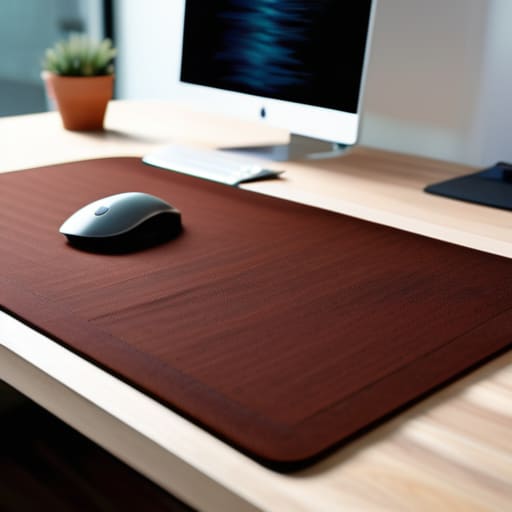
If you’re moving between different locations like I am, you quickly realize that a cheap, flimsy surface is a productivity killer. When I’m working on a complex cloud migration or just deep in a coding session, I need my mouse movements to feel consistent. This is where gaming mouse pad performance actually becomes relevant for non-gamers. It’s not about high-speed flick shots; it’s about reducing the micro-stutter and friction that breaks your concentration. A high-quality mat ensures that your sensor tracks perfectly every single time, regardless of whether you’re on a polished cafe table or a wooden desk in a rental apartment.
I’ve found that the desk mat material benefits go way beyond just tactile feel. A dense, high-quality cloth or hybrid surface acts as a stabilizer for your entire setup. It prevents your peripherals from sliding around and, more importantly, it’s essential for protecting desk surfaces from the constant micro-abrasions of daily use. For me, a seamless surface is a non-negotiable part of a minimalist desk aesthetic—it keeps everything looking clean and intentional while removing the physical friction that keeps you from entering a true flow state.
Real-World Utility: How to Actually Use a Desk Mat to Your Advantage
- Prioritize surface consistency over aesthetics. If you’re switching between a mechanical keyboard and a high-DPI mouse, you need a mat that doesn’t have weird texture shifts that mess with your muscle memory.
- Go for a size that actually covers your workspace. A tiny pad is just a glorified mousepad; a proper desk mat should anchor your keyboard and mouse so they don’t slide around when you’re working on a cramped cafe table.
- Check the edge stitching. Nothing ruins my focus faster than a fraying edge catching on my wrist or my sleeve. Look for low-profile, flat stitching that stays out of the way.
- Think about portability and weight. Since I’m constantly moving between different setups, I avoid heavy, rigid mats. You want something that can roll up into a bag without creasing or losing its shape.
- Match the material to your environment. If you’re working in humid climates or dusty co-working spaces, a felt mat is a nightmare to clean. Stick to high-quality micro-weave cloth—it’s easier to wipe down and stays reliable.
The Bottom Line on Desk Mat Utility
Don’t overthink the aesthetics; prioritize a surface that provides consistent friction and stays put, so your tools don’t become a distraction.
Treat your desk mat as a functional layer for your gear, not just a decoration—it’s there to protect your tech and stabilize your movements.
If you’re moving between setups, look for something portable and slim that actually fits your workflow instead of a bulky pad that’s a pain to pack.
## Beyond Aesthetics
A desk mat isn’t just a way to make your setup look clean for a photo; it’s about removing the micro-frictions—the sliding mouse, the cold desk surface, the annoying keyboard rattle—that pull you out of your deep work state.
Elias Vandermeer
Cutting Through the Friction
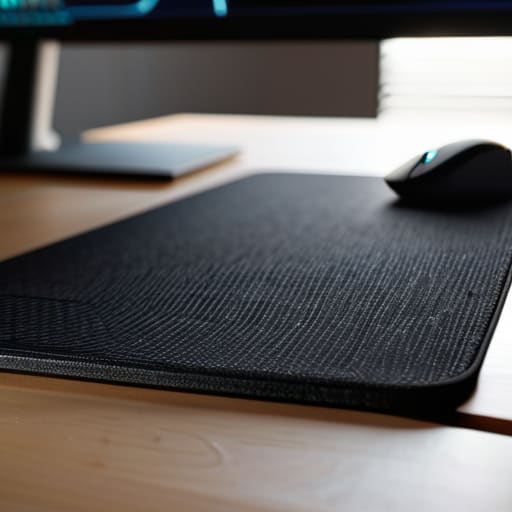
At the end of the day, a desk mat isn’t just another piece of aesthetic gear to show off on a social media feed. It’s about reducing the micro-frictions that break your concentration. Whether you’re looking for that consistent glide for a gaming mouse or just need a soft, stable surface to keep your mechanical keyboard from sliding around while you’re deep in a terminal session, the right mat serves as the foundation of your setup. By prioritizing ergonomics and surface consistency, you’re essentially removing the physical noise that keeps you from reaching a state of flow. It’s a small investment in your hardware, but a massive upgrade to your daily output.
My philosophy has always been that your gear should work for you, not the other way around. If a piece of equipment requires constant adjustment or feels out of place, it’s just clutter. A well-chosen desk mat should be almost invisible—something that stays out of your way so you can focus entirely on the code, the design, or the project at hand. Don’t overthink the flashy patterns or the brand names; just find something that adapts to your movement and supports your workflow. Build a setup that moves with you, and you’ll find that true productivity becomes effortless.
Frequently Asked Questions
How do I clean a desk mat without ruining the texture or the grip underneath?
Don’t just toss it in the wash; that’s how you kill the rubber grip. I usually stick to a gentle hand wash. Use lukewarm water and a tiny bit of mild dish soap. Grab a soft microfiber cloth and work in circular motions—don’t scrub like you’re cleaning a floor, or you’ll fray the fabric. Most importantly, let it air dry flat. Never use a hairdryer; heat is the enemy of a good texture.
Is it worth investing in a premium felt mat if I'm mostly using a high-DPI wireless mouse?
Honestly? If you’re purely chasing sensor precision, probably not. High-DPI wireless mice are forgiving, but felt mats are more about the tactile experience and the vibe. They add a layer of warmth and sound dampening that makes a setup feel “finished.” If you value the aesthetic and that soft, dampened feel under your wrists, go for it. But if you just want raw, frictionless glide, stick to a high-quality cloth pad.
How do I choose a mat size that actually fits a portable, nomad-style setup without being too bulky to pack?
Don’t go for the massive 900x400mm extended mats. They’re great for a permanent desk, but they’re a nightmare to roll up and stuff into a tech pouch when you’re moving between cafes. I usually stick to a medium-sized mat—around 300x400mm. It’s enough space to support my mouse and a compact mechanical keyboard without adding unnecessary bulk to my bag. Aim for something that covers the essentials but stays slim enough to pack easily.




