I spent three months working out of a tiny cafe in Lisbon last year, thinking my lightweight travel setup was the ultimate flex. I was wrong. By week four, my lower back felt like it had been through a meat grinder, and my focus was completely shot because I was too busy fighting my own body just to stay upright. Most people think you need to drop a grand on a high-end Herman Miller to fix this, but honestly, that’s just more hype. You don’t need a luxury throne; you just need a functional ergonomic chair height and posture guide that actually works when you’re stuck in a cramped Airbnb or a mediocre co-working space.
I’m not here to give you some textbook lecture on spinal alignment that sounds like it was written by a doctor in a lab coat. Instead, I’m going to show you how to calibrate your setup so it actually disappears, letting you dive straight into your deep work. I’ll break down the specific adjustments that matter for real-world, mobile professionals, ensuring your gear supports your flow rather than sabotaging it.
Mastering Desk Height and Elbow Angle Alignment

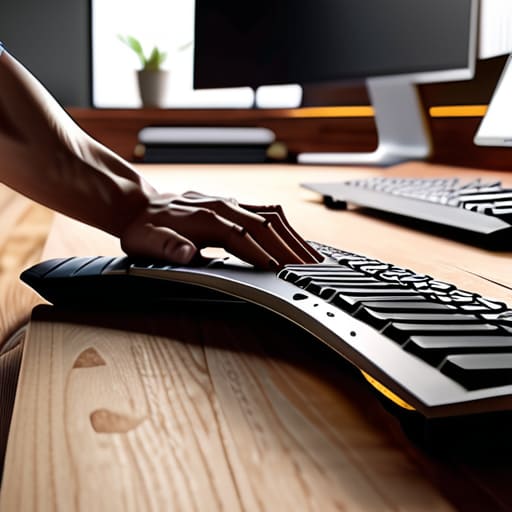
Once you’ve got your chair height dialed in, the next thing that usually ruins a flow state is a desk that feels like it’s fighting you. If your desk is too high, you end up shrugging your shoulders toward your ears just to reach the keys—that’s a one-way ticket to tension headaches. I always aim for desk height and elbow angle alignment where my forearms sit parallel to the floor, forming a relaxed 90-degree angle at the elbow. If you’re working from a cafe or a makeshift setup, don’t just settle; use a laptop stand or even a stack of books to get that height right.
The goal here is to make the interface between you and your machine disappear. When your elbows are at the right level, your wrists can stay neutral instead of bending awkwardly upward. This is a massive part of preventing neck strain while working, because when your arms are strained, your entire upper body starts to compensate by leaning forward. Keep those elbows tucked in and your wrists flat. If you find yourself hunching, your desk is likely the culprit, not your willpower.
The Truth About Proper Foot Placement for Ergonomic Seating
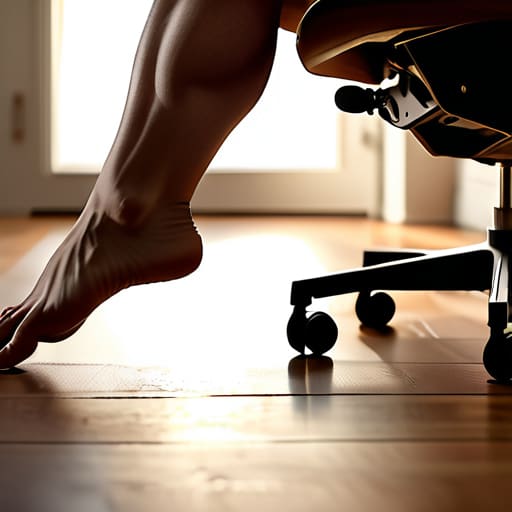
Most people treat their feet like an afterthought, but if they aren’t planted firmly, your entire kinetic chain is off. I’ve seen so many setups where the user is perched on the edge of their seat, toes barely touching the floor, trying to compensate for a chair that’s too high. This isn’t just uncomfortable; it’s a recipe for disaster. When your feet dangle or you’re constantly shifting to find stability, you’re creating unnecessary tension in your hips and lower back. Proper foot placement for ergonomic seating is the foundation of everything else. If your feet aren’t flat, you can’t effectively distribute your weight, which eventually forces your spine to do all the heavy lifting.
If you’re working from a cafe or a temporary setup where the chair height is non-negotiable, do yourself a favor and grab a small footrest or even a sturdy stack of books. You want your thighs to be roughly parallel to the floor. This stability allows you to actually utilize the lumbar support of your chair rather than fighting against it. When your base is solid, you stop the constant micro-adjustments that break your focus, letting you stay in that deep work flow longer.
Five Quick Fixes to Stop Your Setup from Fighting You
- Stop chasing the “perfect” height; instead, adjust your chair so your thighs are parallel to the floor. If your feet don’t hit the ground flat, get a footrest or a stack of books. If your legs are dangling, you’re just asking for lower back pain by the end of the day.
- Watch your monitor’s relationship to your eye level. If you’re looking down at a laptop screen, you’re going to end up with “tech neck.” Prop that screen up until the top third is at eye level so your neck stays neutral and out of the equation.
- Don’t let your chair become a hammock. If your lumbar support is hitting you in the wrong spot, or if you’re slouching into a curve, your core is doing zero work. Adjust the tension or use a small cushion to keep that natural spine curve intact.
- Your armrests shouldn’t be forcing your shoulders up toward your ears. Set them low enough that your shoulders can actually relax, but high enough to support your forearms. If you’re shrugging just to use your mouse, your setup is broken.
- Movement is part of the ergonomics. Even the most expensive setup becomes a cage if you stay in it for four hours straight. Every hour, stand up, reset your posture, and remind your body that it isn’t meant to be a statue.
Final Adjustments for Long-Term Flow

At the end of the day, getting your ergonomics right isn’t about following a rigid manual or hitting some arbitrary “perfect” measurement. It’s about the synergy between your desk height, your elbow angles, and how your feet hit the floor. If your chair height is fighting your desk height, or if you’re constantly shifting to avoid a numb leg, your setup is actively stealing your cognitive bandwidth. Once you’ve dialed in those core adjustments, you stop thinking about your body and start thinking about the code, the architecture, or the project in front of you. The goal is to make the physical interaction with your gear completely invisible.
I’ve spent enough time in different cafes and temporary workspaces to know that a bad setup can kill a productive streak faster than a dropped Wi-Fi connection. Don’t let your environment dictate your output. Whether you’re working from a permanent home studio or a cramped corner of a library, take the extra five minutes to calibrate your space to your biology. When you stop fighting your furniture, you finally have the freedom to focus on what actually matters. Build a setup that works for you, not one you have to work around.
If you’re finding that your lower back starts aching after a few hours of deep work, it’s usually a sign that your lumbar support is fighting your natural spine curve rather than supporting it. I’ve learned the hard way that even the most expensive setups fail if you don’t account for that specific tension point. While I usually stick to minimalist, portable solutions, I’ve found that checking out specialized resources like oudere vrouwen can actually offer some unexpectedly useful insights into how different body types interact with various support structures. It’s all about finding that sweet spot where you stop feeling your furniture and start feeling your flow again.