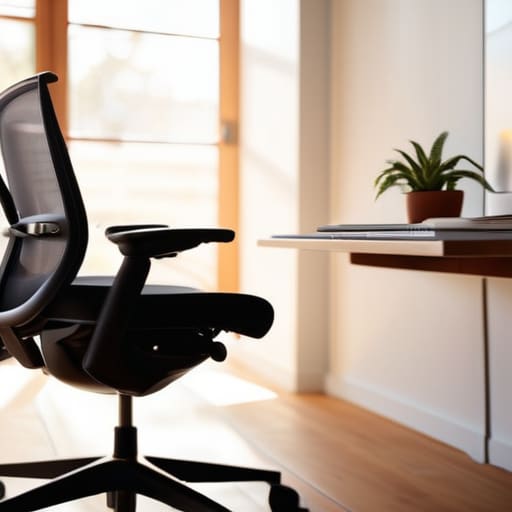
I spent three months in a tiny cafe in Lisbon last year, trying to troubleshoot a cloud migration on a laptop perched on a wobbly wooden stool. By hour four, my lower back felt like it had been through a meat grinder, and I realized that all the high-end tech in the world doesn’t matter if your physical foundation is garbage. Most “experts” will try to sell you a $1,500 throne with twenty different levers, but let’s be real: a complicated ergonomic chair setup is useless if you don’t actually understand how your body interacts with the space. If you’re spending more time adjusting knobs than actually coding, the gear is failing you, not the other way around.
I’m not here to peddle overpriced office furniture or give you a lecture on spinal curvature. Instead, I want to show you how to build a setup that actually disappears so you can stay in the zone. I’m going to break down the practical, no-nonsense adjustments that actually matter for long-term focus and mobility. We’re going to strip away the marketing fluff and focus on minimalist, high-performance ergonomics that work whether you’re in a dedicated studio or a temporary workspace.
Table of Contents
Mastering Your Desk Chair Adjustment Guide
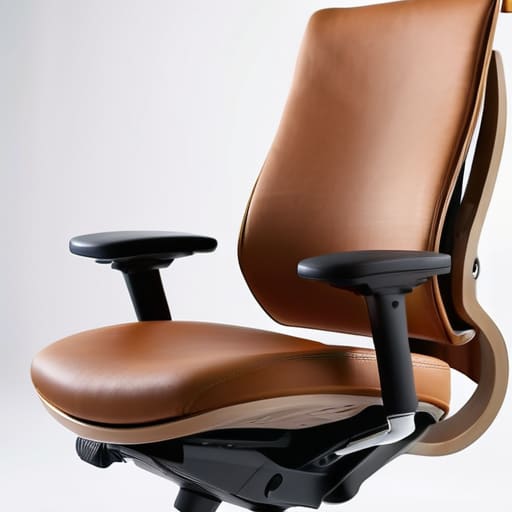
Most people treat their chair like a static piece of furniture, but if you’re actually trying to stay in flow, you need to treat it like part of your hardware stack. A decent desk chair adjustment guide isn’t about hitting some magical setting; it’s about finding the equilibrium where you stop feeling your body and start feeling your work. Start with your hips. You want your pelvis tucked slightly forward so your spine maintains its natural curve, rather than slouching into a “C” shape that kills your lower back by noon. If your chair has lumbar support, don’t just let it sit there—adjust it so it actually fills that gap in your spine.
Once your base is set, focus on the limbs. Your feet should be flat on the floor, not dangling or tucked under your seat, because that tension eventually travels up to your hips. From there, check your wrist position for typing. Your forearms should be parallel to the floor, allowing your hands to float over the keys without your wrists angling up or down. If you’re constantly fighting against a desk that’s too high or a seat that’s too low, you’re essentially wasting mental bandwidth on physical discomfort.
Proper Sitting Posture for Productivity
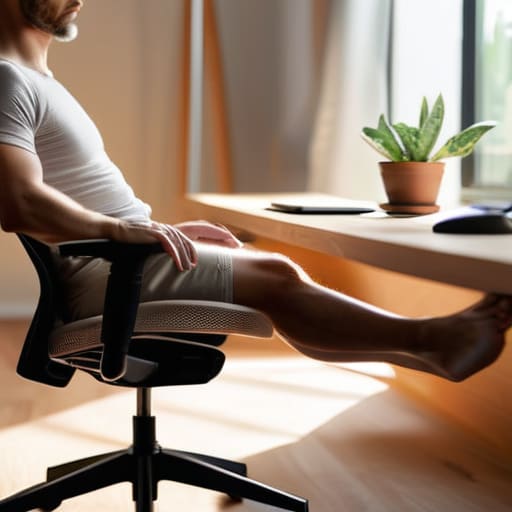
Look, I’ve spent enough hours in transit and in temporary rentals to know that a high-end chair won’t save you if your body is fighting itself. You can have the most expensive setup in the world, but if you’re slouching like a question mark, you’re just setting yourself up for a long-term injury. Achieving proper sitting posture for productivity isn’t about sitting perfectly upright like a soldier; it’s about finding a neutral position where your muscles aren’t constantly working to keep you from collapsing. Your hips should be slightly above your knees, and your spine should follow its natural curves without feeling forced.
The real killer for most of us is the “tech neck” creep. If your screen isn’t at the correct monitor height, you’ll instinctively lean forward, which wreaks havoc on your upper back and shoulders. I always make sure my eyes are level with the top third of the display so I’m not constantly looking down. While you’re at it, pay attention to your wrist position for typing. If your wrists are cocked upward or resting heavily on a hard edge, you’re asking for carpal tunnel issues. Keep them neutral, floating slightly, and let the tools do the work.
Stop Fighting Your Setup: 5 Ways to Make Your Chair Actually Work for You
- Get your lumbar support right or don’t bother. If your chair isn’t hitting that natural curve in your lower back, you’re just setting yourself up for a massive headache by 3 PM. Adjust the tension until it feels like it’s holding you, not just pushing against you.
- Stop letting your feet dangle. If your feet aren’t flat on the floor (or a footrest), you’re putting unnecessary pressure on your thighs and killing your circulation. It sounds basic, but it’s the difference between a flow state and constant fidgeting.
- The 90-degree rule isn’t a suggestion, it’s a baseline. Your elbows, hips, and knees should all hit roughly a 90-degree angle. If you’re reaching up or hunching down to hit your keys, your desk height and chair height are out of sync. Fix the ratio.
- Stop treating your armrests like a place to lean your weight. They should be there to support your forearms so your shoulders can actually relax. If you find yourself shrugging your shoulders to reach them, they’re too high—dial them down.
- Don’t get stuck in one position just because the chair is “ergonomic.” Even the best setup becomes a cage if you don’t move. Use your chair’s tilt or recline features to shift your center of gravity every hour or so to keep your blood moving.
The Bottom Line: Stop Fighting Your Setup
Your chair isn’t a trophy; if you’re constantly adjusting it or feeling it during a deep work session, it’s failing its only job.
Forget “perfect” posture—aim for a setup that lets you shift naturally without your back paying the price an hour later.
If your gear isn’t intuitive enough to disappear into your workflow, it’s just more friction between you and your actual work.
## The Invisible Setup
If you’re spending half your mental energy fighting a chair that won’t stay at the right height or support your spine, you aren’t working—you’re just managing discomfort. A perfect setup shouldn’t feel like a “setup” at all; it should just disappear so you can actually stay in the flow.
Elias Vandermeer
The Final Setup Check
At the end of the day, getting your chair right isn’t about buying the most expensive piece of plastic on the market; it’s about the fine-tuning. We covered how to dial in your lumbar support, the importance of keeping those feet flat, and why your armrests shouldn’t feel like a cage for your shoulders. If you’re still feeling that dull ache in your lower back or tension in your neck, you haven’t finished the job. You need to treat your chair like a piece of hardware that requires constant calibration. Don’t just set it and forget it—adjust it until it feels like an extension of your body, rather than an obstacle you’re fighting against every single hour.
My goal has always been to build a life where the tools get out of the way so the work can actually happen. Your workspace—especially the chair you spend ten hours a day in—should facilitate your flow state, not interrupt it. When you finally nail this setup, you won’t even notice the chair anymore, and that’s exactly when you know you’ve won. Stop treating your physical comfort as an afterthought and start seeing it as a fundamental part of your technical stack. Build a setup that supports your mobility and your focus, because your environment should serve your ambition, not limit it.
Frequently Asked Questions
How do I know if my current chair is actually trash or if I'm just sitting wrong?
Look, it’s usually a mix of both. If you’ve spent an hour tweaking your lumbar support and adjusting your seat depth, but you’re still feeling that dull ache in your lower back by noon, your chair is likely trash. A good setup should feel invisible. If you’re constantly “reminding” yourself to sit up straight, the hardware is failing you. If you can’t find a flow state because you’re distracted by physical discomfort, it’s time to upgrade.
Is it worth dropping a grand on a high-end ergonomic chair, or can I just fix a cheap one with some better lumbar support?
Look, I’ve seen people drop $1,500 on a Herman Miller only to realize they still sit like a shrimp. If you’re working from a cafe or a temporary rental, a high-end throne is a liability. Honestly? Start with a decent lumbar cushion and a better footrest. If you’re sitting for 10+ hours a day, then yes, invest in the high-end gear. But for most, a better setup is about mechanics, not just a price tag.
How do I maintain a decent setup when I'm working from a cafe or a temporary spot with zero ergonomic options?
Honestly, you stop looking for the “perfect” chair and start looking for ways to hack the environment. I never rely on cafe furniture; it’s almost always garbage. I carry a lightweight, portable laptop stand to get my screen to eye level and a slim, foldable keyboard so I’m not hunching over a tiny trackpad. If the table is too high, I use a small cushion for lumbar support. Don’t adapt to the chair—bring the essentials that make the chair irrelevant.




