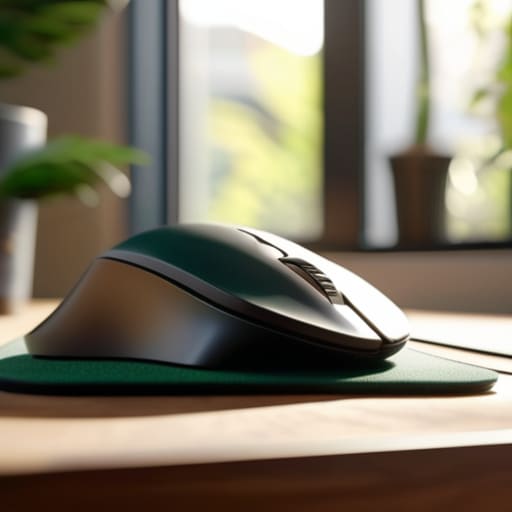
I was sitting in a cramped cafe in Tallinn last month, trying to finish a cloud migration script, when a sharp, familiar ache shot through my wrist. I looked down at my standard, flat-bottomed mouse and realized I was basically fighting my own hardware just to get through the day. Most people think you need to drop $200 on some futuristic, glowing peripheral to fix this, but honestly, most of the advice in a typical ergonomic mouse guide is just marketing fluff designed to sell you features you’ll never actually use. You don’t need more buttons; you need a tool that actually fits your hand.
I’m not here to sell you on the latest RGB-heavy gaming nonsense or overpriced gimmicks. My goal is to give you a practical, no-nonsense look at what actually matters: hand position, weight distribution, and portability. I’ve tested enough gear across dozens of different desk setups to know which mice actually disappear into your workflow and which ones just add clutter. This is a real-world ergonomic mouse guide built for people who want to focus on the work, not on managing their wrist pain.
Table of Contents
Vertical Mouse Benefits Redefining Your Natural Wrist Posture

If you’ve ever spent eight hours straight clicking through cloud dashboards only to feel that dull, aching tightness in your forearm, you know exactly what I’m talking about. Most standard mice force your hand into a “palm-down” position, which essentially twists your forearm bones into a permanent state of tension. Switching to a vertical design changes the game because it allows for a “handshake” grip. This shift is one of the most effective ways of preventing carpal tunnel syndrome because it keeps your radius and ulna parallel rather than crossed.
When I first integrated a vertical mouse into my mobile setup, the adjustment period was real, but the payoff was immediate. It’s not just about comfort; it’s about long-term sustainability. By prioritizing wrist posture for computer users, you’re essentially future-proofing your career. You don’t want to be the person who has to retire from tech early because of a preventable injury. Investing in these kinds of ergonomic computer peripherals means your gear is working to support your body, rather than forcing your body to adapt to a flawed design.
Beyond the Desk Ergonomic Computer Peripherals That Travel
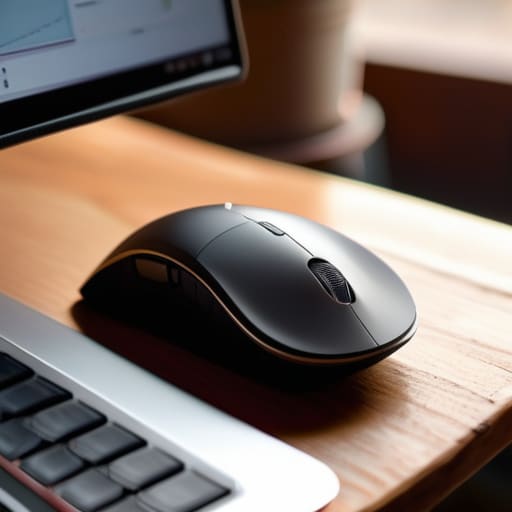
Since I’m rarely in the same zip code two weeks in a row, my gear has to be as mobile as my lifestyle. It’s one thing to have an optimal workstation setup when you’re anchored to a dedicated desk, but the real test happens in a cramped coffee shop or a shared workspace with questionable seating. I’ve learned the hard way that ignoring ergonomic computer peripherals when traveling is a fast track to burnout. If I’m forced to use a trackpad or a flat, cheap mouse for ten hours straight, I can feel my wrist protesting by sunset.
I usually pack a slim, high-performance mouse that doesn’t sacrifice comfort for portability. It’s all about finding that middle ground where the device is light enough for my tech pouch but still supports proper wrist posture for computer users. I don’t go overboard with massive, heavy-duty gaming mice when I’m on the move, but I refuse to settle for anything that feels like a toy. The goal is to maintain a consistent level of comfort regardless of where I’m logging in from, ensuring my focus stays on the code and not on a dull ache in my forearm.
Small Tweaks to Stop the Wrist Strain Before It Starts
- Stop the “claw grip” death march. If you find yourself squeezing your mouse like you’re trying to crush a soda can, you’re asking for carpal tunnel. Aim for a grip that lets your hand rest naturally, not one that requires constant tension.
- Watch your desk height, not just your mouse. If your mouse is sitting on a surface that forces your elbow to flare out or your wrist to angle up, even the most expensive ergonomic mouse won’t save you. Your forearm and hand should stay in a relatively straight line.
- Don’t ignore the sensor. Since I move around a lot, I’ve learned that a cheap sensor on a mediocre surface is a productivity killer. If you’re working from a cafe or a library, make sure your mouse has a high-quality sensor that can track on almost any surface without needing a dedicated pad.
- Size matters more than you think. A mouse that’s too small forces your fingers to curl unnaturally, and one that’s too big makes you reach too far. I always check the dimensions against my hand span before I commit to a new setup.
- Use your whole arm, not just your wrist. This is a big one. Instead of pivoting your wrist left and right to move the cursor, try to use your elbow and shoulder to guide the movement. It feels weird at first, but it takes the massive amount of repetitive stress off those tiny tendons in your wrist.
The Bottom Line: Gear That Moves With You
Prioritize a vertical design if you’re feeling that midday wrist ache; your anatomy shouldn’t have to adapt to your hardware.
If it isn’t portable or easy to pack, it’s dead weight—choose peripherals that fit your nomad lifestyle without sacrificing ergonomics.
The best tools are the ones you stop noticing; aim for a setup so seamless that it disappears, leaving only your work behind.
The Invisible Tool
If you’re constantly adjusting your grip or feeling that dull ache in your wrist by noon, your gear is failing you. A good mouse shouldn’t feel like a piece of hardware; it should just be an extension of your hand that lets you stay in the zone.
Elias Vandermeer
Finding Your Flow
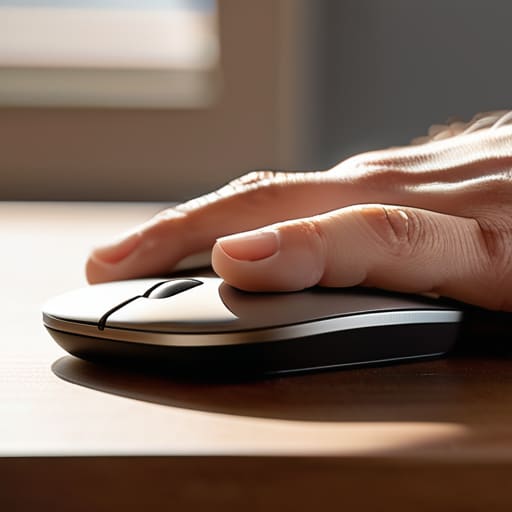
At the end of the day, picking the right mouse isn’t about chasing the most expensive specs or the flashiest RGB lighting. It’s about finding that sweet spot where your hardware stops being a distraction and starts being an extension of your hand. Whether you decide to go vertical to save your wrists from that repetitive strain or you invest in a lightweight, travel-ready peripheral that can handle a coffee shop Wi-Fi session, the goal remains the same: minimizing friction. You’ve looked at the posture benefits, the portability requirements, and the tech that actually moves with you. Now, it’s just about matching the tool to your specific rhythm.
Don’t get caught in the trap of thinking a perfect setup is something you eventually “reach” and then stop working on. Your gear should evolve as your workflow does, especially if you’re someone who refuses to be tethered to a single desk. If a piece of tech starts feeling clunky or causes that familiar ache by mid-afternoon, it’s time to swap it out. Invest in tools that disappear into your workflow so you can focus on the actual output, not the discomfort. Build a setup that supports your freedom, because your workspace should adapt to your life, not the other way around.
Frequently Asked Questions
Is a vertical mouse actually practical when I'm working from a cramped cafe table or a plane tray?
Honestly? It’s a trade-off. If you’re squeezed into a tiny cafe corner or a plane tray, a bulky vertical mouse can feel like you’re trying to maneuver a brick in a shoebox. It takes up way more real estate than a slim travel mouse. But, if you’re doing long sessions, that wrist strain is real. My move? I keep a compact, low-profile mouse for travel and save the vertical setup for when I actually have a decent desk.
Can I actually get used to the learning curve, or am I going to be fighting my muscle memory for weeks?
Honestly? You’ll probably fight it for a few days. It’s annoying, I get it. Your brain is wired for that standard claw grip, and switching to a vertical setup feels like learning to write with your non-dominant hand. But don’t let that stall you. Usually, by the end of week one, the muscle memory resets. Once it clicks, you won’t even notice the mouse is there—and that’s exactly when you know it’s working.
How much do sensor quality and DPI matter if I'm prioritizing ergonomics over gaming?
Honestly? Not as much as the hype suggests. If you aren’t clicking heads in a fast-paced shooter, you don’t need a sensor that tracks micro-movements at a professional level. For my workflow, I care more about how the mouse shape fits my hand during a long session than having a massive DPI range. Just make sure the sensor is decent enough that it doesn’t jitter on a coffee shop table. Smooth is better than fast.




