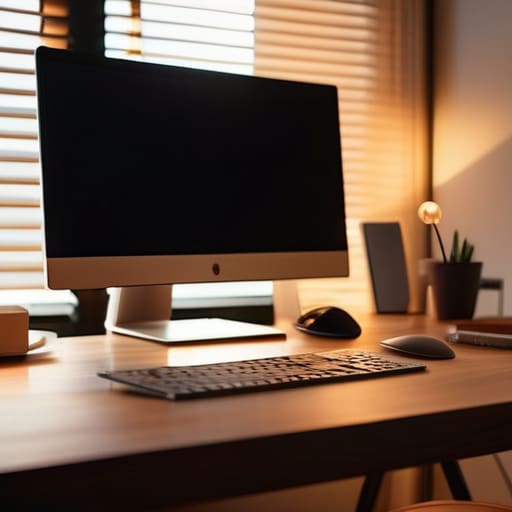
I spent three weeks living out of a backpack in a tiny studio in Lisbon last year, and if there’s one thing I learned, it’s that most “smart home” lighting advice is absolute garbage. You’ll see these influencers peddling massive, expensive LED arrays that turn your workspace into a neon fever dream, claiming it’s the key to productivity. Honestly? It’s just a distraction. When I’m deep in a systems integration sprint, I don’t need a light show; I need ambient lighting that actually respects my focus. If the light is fighting my eyes instead of supporting them, the setup is broken.
I’m not here to sell you a thousand-dollar smart bulb ecosystem or some over-engineered gadget that requires a dedicated hub just to dim. My goal is to show you how to build a seamless environment that fades into the background. I’ll be sharing the exact, low-profile setups I use while traveling—tools that are portable, cloud-controllable, and most importantly, invisible. We’re going to strip away the hype and focus on how to use light to actually get in the zone.
Table of Contents
Layered Lighting Design to Eliminate Cognitive Friction
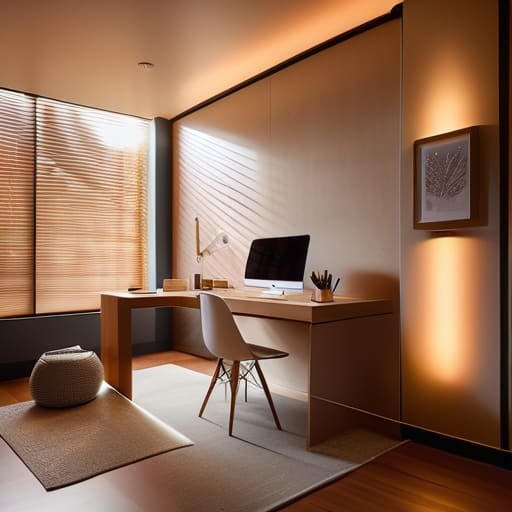
If you’re just relying on a single overhead light, you’re basically fighting your own brain. That harsh, direct glare creates a high-contrast environment that forces your eyes to constantly adjust, which is a fast track to fatigue. I prefer using indirect lighting techniques to bounce light off walls or ceilings instead. By spreading the illumination more evenly, you eliminate those sharp shadows that pull you out of a flow state. It’s about making the light feel like it’s just part of the room rather than a spotlight hitting your desk.
The real secret to staying focused for long stretches is a layered approach. I usually mix a dedicated task light for my keyboard and documents with some softer, low-level glow in the periphery. Using smart lighting solutions allows me to shift the vibe instantly; I can lean into a cooler tone when I’m deep in a deployment script, then switch to a much softer, warm color temperature when I’m winding down the day. When your lighting adapts to your current task without you having to fiddle with a switch, you’ve finally achieved a setup that actually works for you.
Smart Lighting Solutions That Adapt to Your Rhythm
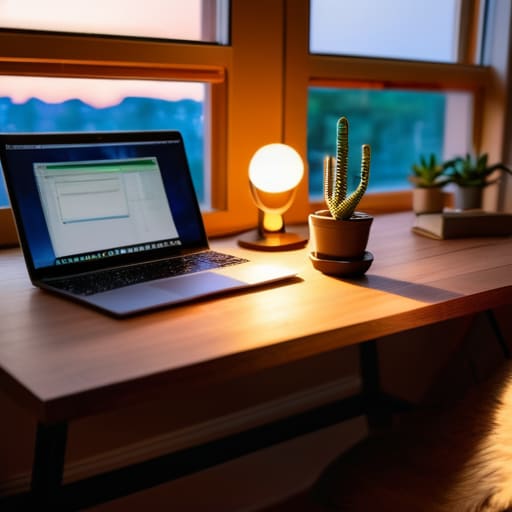
Since I’m constantly moving between different Airbnbs and co-working spaces, I can’t rely on a permanent, hardwired setup. This is where smart lighting solutions actually become a game-changer rather than just another tech gadget. I use programmable bulbs that sync with my circadian rhythm; they transition from a crisp, cool white in the morning to a much softer warm color temperature as the sun goes down. It keeps my brain from feeling fried when I’m deep in a system integration sprint at 10 PM.
The goal isn’t to have a bunch of flashy, color-changing LEDs that look like a gaming room. It’s about automation. I’ve set up my smart strips to slowly dim as my focus sessions wind down, which helps with natural eye strain reduction after staring at terminal windows for six hours straight. If you can’t automate your environment to shift with your workflow, you’re just adding more mental overhead to an already heavy workload. Your gear should be working for you, even when you aren’t thinking about it.
Five Ways to Keep Your Lighting From Getting in the Way
- Stop relying on a single overhead light. It creates harsh shadows that force your eyes to work harder. Stick to diffused, indirect light that hits the walls instead of your screen.
- Match your color temperature to your internal clock. If you’re grinding through a deployment at 2 AM, keep it warm and dim. If you’re starting a heavy deep-work session at 9 AM, lean into a cooler, crisp light to stay sharp.
- Automate your transitions. I use smart bulbs that gradually shift from daylight to amber as the sun goes down. It removes the mental load of having to manually adjust your environment every time the weather changes.
- Prioritize light that doesn’t cause glare. Nothing kills my focus faster than a light source reflecting off my monitor. Position your lamps so they illuminate your desk surface without hitting your screen directly.
- Keep it portable. Since I’m rarely in the same spot for more than a month, I stick to small, USB-powered LED bars or compact smart bulbs. If your lighting setup requires a permanent wiring job, it’s too much baggage.
The Bottom Line: Lighting as an Invisible Tool
Stop treating lighting as decor; treat it as a functional layer of your tech stack that reduces eye strain and mental fatigue.
Automate your environment with smart systems so you aren’t wasting cognitive energy adjusting brightness every time the sun goes down.
Aim for a setup that fades into the background, ensuring your gear and your light work together to keep you in the flow state.
The Goal of Invisible Tech
“If you’re actually noticing your lighting, it’s failing. The best ambient setup is the one that disappears into the room, removing every tiny visual distraction so you can just sink into your work and stay there.”
Elias Vandermeer
Cutting Through the Noise
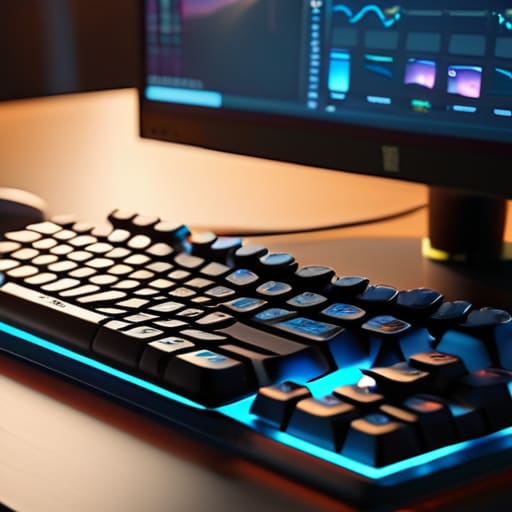
At the end of the day, ambient lighting isn’t about making a space look “aesthetic” for a social media post; it’s about reducing the friction between you and your work. By layering your light sources and utilizing smart tools that shift with your circadian rhythm, you’re essentially building a digital buffer against the outside world. When your lighting is dialed in, you stop noticing the environment and start noticing the code, the documentation, or the system architecture in front of you. It’s about creating a setup where the hardware and the atmosphere become invisible facilitators of your focus rather than distractions.
I’ve spent enough time working out of cramped cafes and temporary rentals to know that your environment is never going to be perfect, but your setup can be. You don’t need a dedicated studio to achieve this level of clarity; you just need a mindset that prioritizes intentionality over clutter. Stop letting poor lighting dictate your energy levels and start building a workspace that actually supports the way you move through the world. If you can master your environment, you can master your output, no matter where you happen to be plugged in today.
Frequently Asked Questions
How do I balance ambient lighting with a screen setup to avoid glare and eye strain?
The trick is managing contrast. If your room is pitch black and your screen is blasting 500 nits, your eyes are going to feel like they’ve been through a blender by noon. I always aim for “bias lighting”—a soft glow behind the monitor that bridges the gap between the screen and the wall. It kills that harsh glare and keeps the transition smooth. Keep the light sources indirect; if you can see the bulb, it’s too bright.
Are there specific smart bulb ecosystems that actually play nice with different cloud-based automation tools?
If you’re looking for reliability, stick to Philips Hue. It’s the gold standard for a reason—their API is solid, and they play incredibly well with Home Assistant or IFTTT. If you want something a bit more budget-friendly that still integrates seamlessly with cloud-based automations, Lifx is a great runner-up. Just avoid those cheap, no-name Wi-Fi bulbs you find on random marketplaces; their cloud latency is a nightmare and they’ll just break your flow.
Can I achieve a decent layered lighting setup if I'm working out of a temporary space like a cafe or a rental?
Honestly, it’s tough, but you can definitely fake it. I never travel with heavy lamps; it’s just not practical. Instead, I pack a high-quality, rechargeable LED light bar that clips to my laptop or sits on a small tripod. It gives you that focused task light without the glare. Pair that with a smart bulb if you’re in an Airbnb, and you’ve basically recreated a controlled environment anywhere. Keep it portable, keep it modular.




