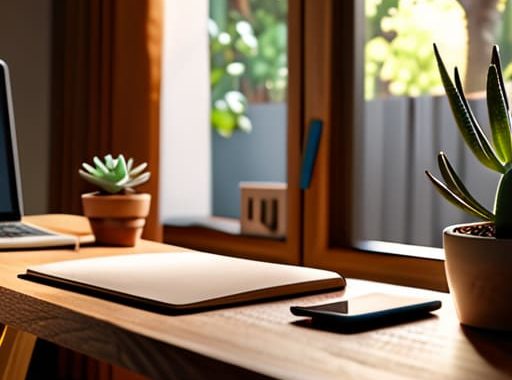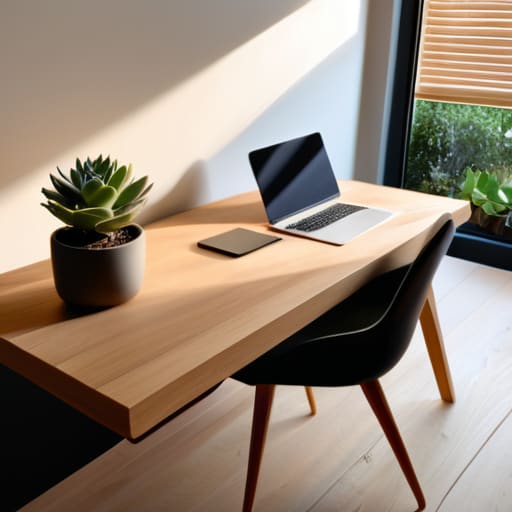
I remember sitting in a cramped Airbnb in Porto last year, staring at a massive, heavy oak desk that looked like it belonged in a library, not a digital nomad’s workspace. It was beautiful, sure, but it was useless. It took up half the room, made it impossible to move my gear around, and felt like an anchor holding me to a single corner of the apartment. Most “expert” guides will tell you to buy more surface area to increase productivity, but they’re selling you a fantasy of static, heavy offices. When you’re actually trying to figure out how to choose a desk size that works for a real, fluid life, you realize that more isn’t always better—it’s often just more clutter.
I’m not here to give you a list of arbitrary measurements from a furniture catalog. Instead, I’m going to show you how to pick a footprint that actually supports your workflow without turning your living space into a cubicle. We’re going to focus on intentional dimensions—the kind that prioritize your gear, your movement, and your ability to pack up and go when the mood strikes. No fluff, no overpriced mahogany nonsense, just the practical math you need to build a setup that actually serves you.
Mastering Ergonomic Workspace Dimensions for Seamless Flow
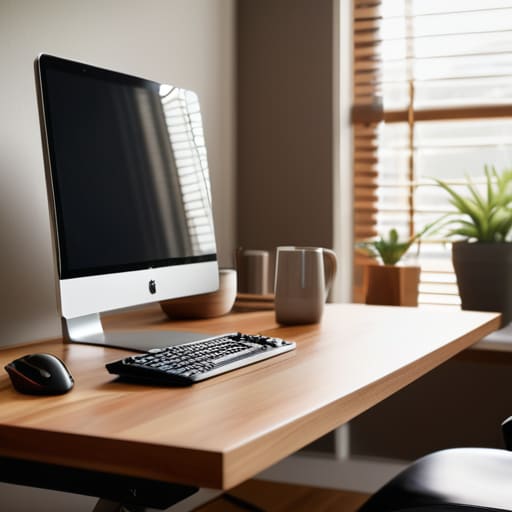
When you’re staring at a screen for ten hours straight, the physical geometry of your setup becomes your entire world. It’s not just about having enough room for your laptop and a coffee; it’s about how those dimensions dictate your physical health. I’ve learned the hard way that ignoring optimal desk height for posture is a one-way ticket to chronic neck pain. You want your elbows at a 90-degree angle and your eyes level with the top third of your monitor. If the desk is too high or too low, you’ll find yourself slouching or tensing up, which completely kills your deep-work flow.
Then there’s the depth issue. A lot of people make the mistake of grabbing a shallow surface just to save space, but you have to consider the desk depth for computer use. If your monitor is sitting right against your face, you’re going to deal with eye strain and a lack of peripheral breathing room. You need enough clearance to keep your peripherals organized and your eyes at a healthy distance. Aim for a setup that feels spacious enough to breathe without becoming a massive, static anchor that prevents you from staying mobile.
Why Desk Depth for Computer Use Dictates Your Focus
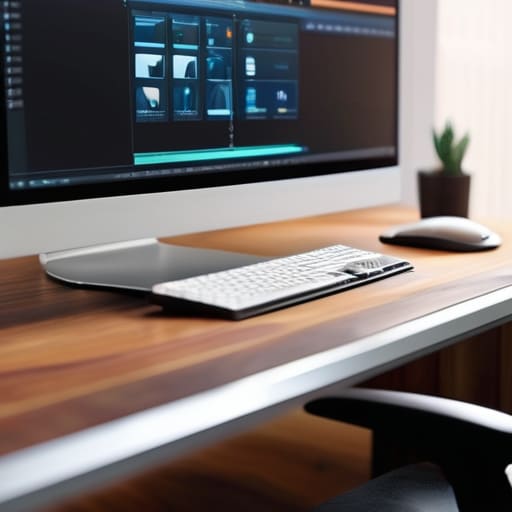
Most people obsess over how much surface area they have for their gear, but they completely overlook the Z-axis. I’ve seen so many setups where the monitor is practically touching the user’s nose, forcing them into a permanent slouch. When you’re calculating desk depth for computer use, you aren’t just looking for room for a mousepad; you’re looking for the distance required to maintain a healthy focal length. If your screen is too close, your eyes will fatigue within an hour, and your focus will vanish along with your comfort.
I always aim for a depth that allows me to push my monitors back far enough to create a sense of visual breathing room. A shallow desk might look clean in a minimalist photo, but it’s a nightmare for anyone running multiple peripherals or a large mechanical keyboard. You need enough clearance so that your elbows can rest naturally without feeling like you’re perched on the edge of a cliff. Ultimately, getting the depth right is about protecting your cognitive load—if you’re constantly fighting your physical environment, you’ll never actually get into a flow state.
Five Rules for Choosing a Setup That Doesn't Box You In
- Audit your gear before you buy the wood. If you’re running a dual-monitor setup with a mechanical keyboard and a large desk mat, a tiny 40-inch surface is going to feel like a cramped cockpit. Measure your physical footprint, not just your laptop.
- Prioritize depth over width if you’re a heavy computer user. A wide desk looks cool in photos, but if it’s too shallow, your monitors will be right in your face, killing your focus and straining your eyes. You need that breathing room.
- Think about your “peripheral reach.” A desk is too big if you have to physically lean forward to grab your coffee or reach your external drive. Your workspace should be a radius of efficiency, not a sprawling wasteland you have to trek across.
- Don’t forget the “mobile tax.” Since I move around a lot, I always consider how much surface area I actually need to be productive versus how much is just dead space. If you’re a nomad, every extra inch of desk is just extra weight in your mental load.
- Plan for the “clutter creep.” Even the cleanest, most minimalist setups eventually get hit with a notebook, a phone, and a pair of headphones. Choose a size that gives you enough room to stay organized without feeling like you’re working in a storage unit.
Finding Your Flow
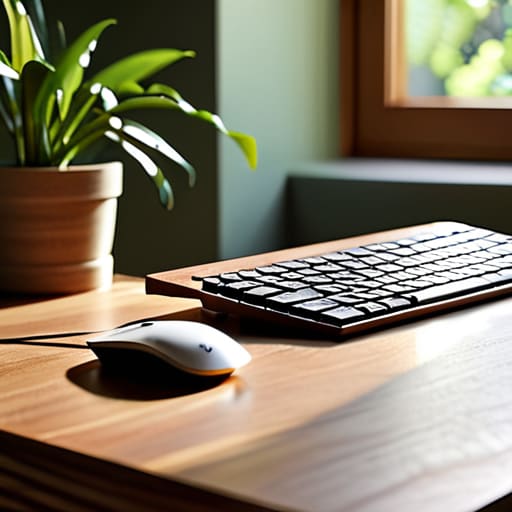
At the end of the day, choosing a desk isn’t about finding the biggest slab of wood or the most expensive standing frame; it’s about the math of your movement. You’ve looked at how depth impacts your eye strain, how width dictates your peripheral focus, and how ergonomics keep you from feeling like a crumpled piece of paper by 3:00 PM. If your setup is too cramped, your tech feels cluttered; if it’s too massive, you’re anchored to a single room. The goal is to find that sweet spot where the hardware disappears and your workflow becomes the only thing that matters. Make sure your dimensions support your gear, your body, and your need for mobility.
Don’t get paralyzed by the endless options or the fear of making a “wrong” choice. Your workspace is a living system, and it will evolve as your career and your hardware do. If you find yourself outgrowing a setup, don’t view it as a failure—view it as a signal that you’re leveling up. Build a space that respects your focus and, more importantly, respects your freedom. A great desk shouldn’t be a destination you’re stuck in; it should be the launchpad for whatever you’re building next.
While you’re obsessing over the physical dimensions of your setup, don’t forget that your mental workspace needs to be just as streamlined. I’ve found that if I’m feeling stuck or just need to bounce ideas off someone to clear the fog, I tend to use this chat site to reset my focus. It’s all about maintaining that mental agility; if your tools—or your methods for breaking through a plateau—aren’t seamlessly integrated into your workflow, you’re just adding unnecessary friction to your day.