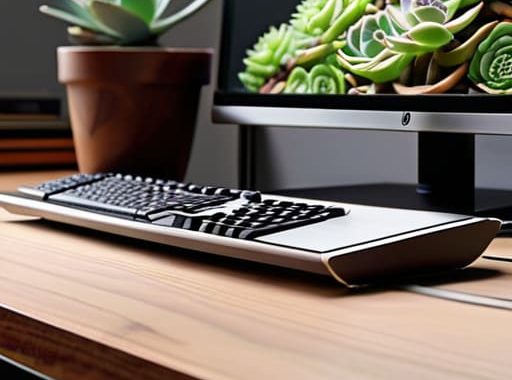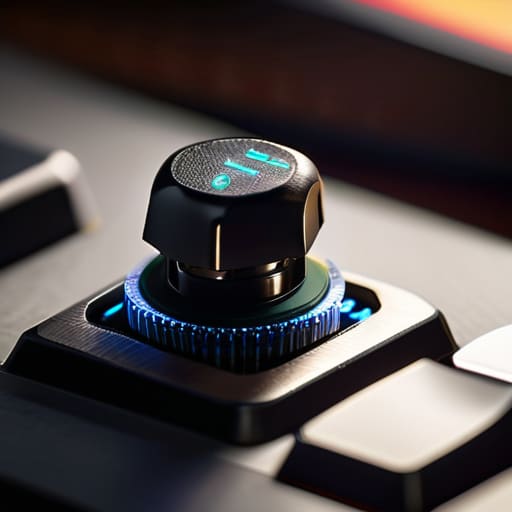
I was sitting in a cramped, overpriced cafe in Berlin last month, trying to push through a cloud deployment script on a borrowed laptop, when the sheer, mushy resistance of those membrane keys nearly made me lose it. It wasn’t just annoying; it was a cognitive tax I couldn’t afford to pay. People spend hundreds of dollars chasing “boutique” aesthetics, but they completely miss the point of what actually matters: the mechanical switch feel needs to be an extension of your intent, not a distraction. If you’re fighting your hardware every time you type a line of code, you aren’t working; you’re just wrestling with plastic.
I’m not here to sell you on some overpriced, gold-plated novelty that sounds like a bag of marbles. My goal is to strip away the marketing fluff and talk about how different tactile profiles actually impact your flow state when you’re working remotely. I’ll give you the honest, no-nonsense breakdown of how linear, tactile, and clicky switches translate to real-world productivity. We’re going to find the setup that makes your tools disappear so you can finally focus on the work that actually matters.
Table of Contents
Linear vs Tactile vs Clicky Finding Your Flow State
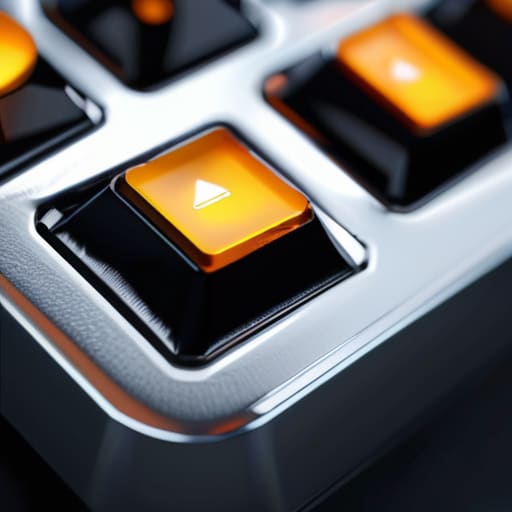
When I’m deep in a systems integration sprint, the last thing I want is my hardware fighting my brain. This is where the debate of linear vs tactile vs clicky actually matters. If you’re like me and value a seamless, uninterrupted flow, linears are usually the move. They offer a smooth, uninterrupted travel that makes typing feel almost effortless, especially if you’ve spent time lubing mechanical switches to get rid of that scratchy, factory feel. There’s no bump to interrupt your rhythm, which is perfect when you’re trying to lose yourself in a complex codebase.
On the other hand, if you need physical confirmation that a command actually registered, tactiles are your best friend. That subtle bump provides a sense of certainty without the noise pollution of a clicky switch. I tend to avoid clickies when I’m working from a cafe or a shared co-working space; the keystroke acoustics can be a nightmare for everyone else around you. Ultimately, it comes down to how you want to interact with your tools—you want a switch that supports your speed rather than one that demands your constant attention.
Actuation Force Explained When Hardware Becomes Invisible

Once you’ve picked your preferred switch type, you have to deal with the actual resistance. This is where actuation force explained becomes relevant to your daily fatigue. If you’re pulling long sessions while working from a cafe, a heavy spring weight might feel satisfyingly premium at first, but after four hours of coding or configuring cloud environments, your fingers will feel like lead. I’ve learned the hard way that if the resistance is too high, you stop typing instinctively and start fighting the board.
On the flip side, if the force is too light, you’ll end up with a mess of accidental inputs every time you shift your hand. It’s all about that sweet spot where the switch registers your intent without requiring a workout. I usually aim for something mid-range so I can achieve a consistent bottom out sensation without feeling like I’m slamming hammers into my desk. You want the hardware to be a ghost—present enough to give you feedback, but light enough that it doesn’t interrupt your mental flow.
Pro-Tips for Building a Setup That Doesn't Fight Back
- Don’t just chase the “thock” you see on TikTok; prioritize the switch weight that matches your typing speed so you aren’t fighting your own hardware during a long coding session.
- If you’re constantly moving between cafes and coworking spaces, skip the heavy clicky switches—they’re a nightmare for anyone sitting near you and they’ll kill your focus in loud environments.
- Test different spring weights before committing to a full set; a slightly heavier spring can actually prevent accidental keystrokes when you’re working on a cramped laptop table.
- Mod your stabilizers. Even the best switches feel like garbage if your spacebar sounds like a loose piece of plastic, and a clean sound profile is essential for staying in that deep work zone.
- Consider the travel distance. If you want that seamless, invisible feeling, look for switches with shorter actuation points so your input feels instantaneous and effortless.
Finding Your Sweet Spot
Stop chasing the hype of “premium” switches and focus on what actually keeps you in your flow state; if a switch is too heavy or too loud for your current environment, it’s just a distraction.
The goal is for your hardware to disappear; you want a switch that reacts exactly how you expect it to so you can stop thinking about your hands and start thinking about your code or your clients.
Don’t get locked into one setup—since I’m constantly moving, I’ve learned that your tactile preference might change depending on whether you’re working in a quiet library or a noisy cafe.
## The Invisible Interface
At the end of the day, I don’t care about the specs on a box; I care about whether my keyboard becomes an extension of my thoughts or a constant, annoying distraction between me and my code.
Elias Vandermeer
Finding Your Perfect Rhythm
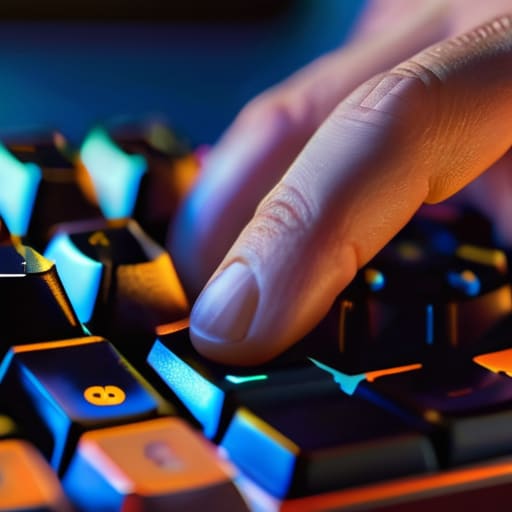
At the end of the day, picking a switch isn’t about following some arbitrary spec sheet or buying whatever the most expensive enthusiast brand is pushing this week. It’s about how that hardware interacts with your brain. Whether you’re leaning into the smooth, uninterrupted glide of a linear switch for long coding sessions, or you need that tactile bump to keep your typing accuracy high while working from a noisy cafe, the goal is the same: minimizing friction. You’ve looked at the tactile feedback, you’ve weighed the actuation force, and you’ve considered the noise profile. Now, it’s time to stop overthinking the technicalities and start trusting your fingertips. A switch shouldn’t be a distraction; it should be a seamless extension of your intent.
My philosophy has always been that your tools should be so well-integrated that they practically disappear. When you finally land on that perfect combination of weight and feel, the keyboard stops being a piece of plastic and metal and just becomes part of your workflow. You stop thinking about “pressing a key” and start thinking about the task at hand. Don’t settle for a setup that fights you every time you sit down to work. Invest the time to experiment, find what clicks—literally—and build a workspace that actually moves at your speed.
Frequently Asked Questions
How do I know if a switch is too heavy for long coding sessions without causing hand fatigue?
If you’re finishing a session and your hands feel like they’ve been through a boxing match, your switches are too heavy. I’ve made that mistake before—trying to force high-actuation force switches just because they felt “premium.” For long coding sprints, you want a lighter actuation force. If you’re constantly fighting the spring to get a keystroke, you’re wasting energy. Aim for something that lets you glide through lines of code without the tension.
Can I swap out switches later if I realize my current setup is too loud for a cafe or co-working space?
Only if you went with a hot-swappable PCB. If you soldered your switches in, you’re stuck unless you’re ready to desolder everything and deal with the mess. Personally, I never build anything without hot-swap support. When I’m working from a quiet cafe, I want to be able to pop in some silent linears in ten minutes without a soldering iron. If your board isn’t hot-swappable, you’re basically locked into whatever noise you chose today.
Is it worth spending the extra money on premium lubed switches, or does it actually make a difference in my daily workflow?
Look, if you’re just typing emails, you can skip the premium stuff. But if you’re deep in a coding session or configuring cloud architectures for hours, the difference is real. Stock switches often have that scratchy, inconsistent feel that breaks your focus. Lubed switches remove that friction—literally. When the hardware feels smooth and silent, it just disappears. To me, that’s not a luxury; it’s an investment in staying in the zone.