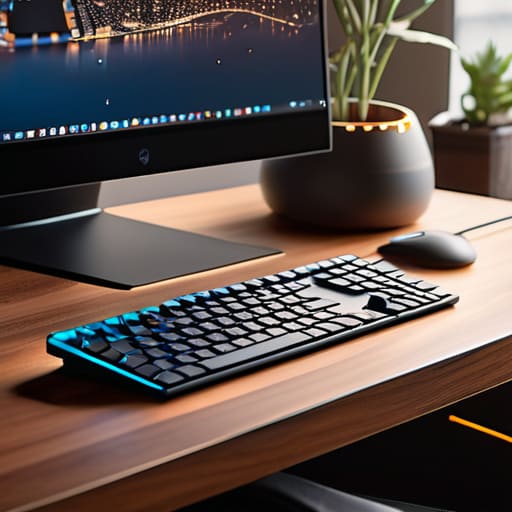
Most people hear “smart home office” and immediately start browsing for overpriced, flashy gadgets that do nothing but clutter a desk and drain a battery. They think it’s about having a voice-controlled espresso machine or a neon-lit gaming chair, but that’s just expensive noise. To me, a truly smart setup isn’t about adding more junk to your space; it’s about building a system so seamless and automated that you actually forget the tech is even there. If your “smart” devices require twenty minutes of troubleshooting just to get your lighting right, they aren’t working for you—you’re working for them.
I’m not here to sell you on the hype or recommend any gear that isn’t actually worth the desk real estate it occupies. Instead, I want to show you how to build a functional, cloud-integrated ecosystem that adapts to your workflow, whether you’re anchored to a permanent desk or working out of a temporary setup in a new city. We’re going to focus on invisible efficiency: tools that streamline your focus and keep your digital life moving as fast as you do.
Table of Contents
Iot Office Integration for a Frictionless Workflow
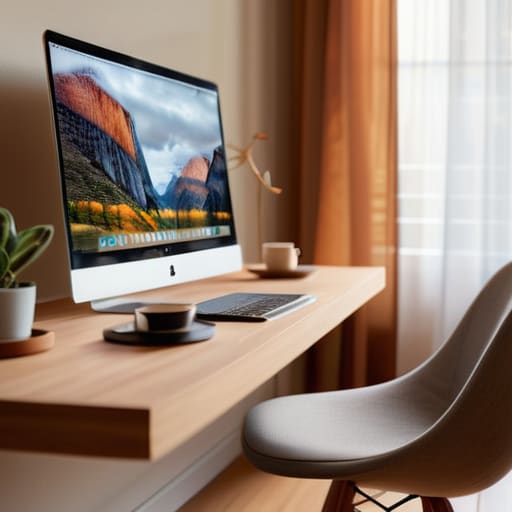
The real goal of IoT office integration isn’t to have a house full of flashing lights; it’s about removing the micro-distractions that pull you out of deep work. When I’m working from a new Airbnb or a temporary studio, I look for ways to automate my environment so I don’t have to think about it. For me, that starts with smart climate control for workspace optimization. There is nothing that kills my momentum faster than a room getting stuffy or freezing while I’m mid-sprint. If my thermostat can adjust based on my schedule or the time of day, I’m not wasting mental energy on physical discomfort.
Beyond the temperature, I try to lean into devices that handle the “admin” of my physical space. I’ve found that integrating automated task management devices—like smart lights that shift color to signal a deep-work block or a break—helps keep my brain in the right zone. It’s about creating a sensory feedback loop that tells your body exactly what mode it should be in. When your environment reacts to your needs without you touching a single button, you’ve actually achieved a frictionless setup.
Remote Work Productivity Tools That Actually Disappear
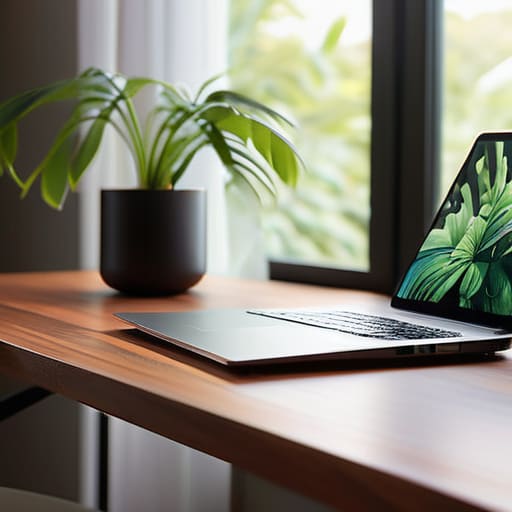
The best tools are the ones you completely forget are even running. I’ve spent way too much time in the past fighting with clunky software that felt like it was actively trying to derail my focus. Now, I look for remote work productivity tools that operate in the background, handling the digital heavy lifting without demanding my constant attention. If I have to stop what I’m doing to troubleshoot a sync error or manually update a status, the tool has failed its primary purpose.
I’ve found that true efficiency comes from a stack that feels almost telepathic. This means moving toward automated task management devices and cloud-synced workflows that bridge the gap between my laptop and my peripheral hardware. When my environment is dialed in—meaning my lighting adjusts to the time of day and my notifications are filtered through smart presets—the friction simply vanishes. You shouldn’t be managing your tools; your tools should be managing the environment so you can actually get into a flow state and stay there.
Five Ways to Stop Fighting Your Gear and Start Working
- Prioritize smart lighting that mimics natural cycles; if my desk lamp is fighting my circadian rhythm, I’m losing focus before I even open my laptop.
- Invest in smart power strips that you can control remotely; there’s nothing worse than leaving a high-draw server or monitor on when you’re out exploring a new city.
- Automate your climate control with smart sensors so your workspace stays consistent, whether you’re in a cramped apartment or a temporary rental.
- Use smart plugs for your peripheral gear to ensure your “work mode” is a single command away, rather than a scavenger hunt for individual power buttons.
- Keep your smart home ecosystem lightweight; if your automation setup requires more troubleshooting than your actual client work, it’s failed its only job.
The Bottom Line
Stop building static offices; if your setup isn’t cloud-integrated and portable, you’re essentially building your own cage.
Prioritize tools that work in the background—the best tech is the kind you actually forget is running.
Focus on friction reduction by automating the small stuff so your brain can stay locked into the actual work.
## The Philosophy of Invisible Tech
A smart office shouldn’t feel like a science fiction movie; it should just feel like your environment finally stopped getting in your way. If you have to fight your hardware to get your work done, your setup isn’t smart—it’s just loud.
Elias Vandermeer
The Goal is Frictionless Flow
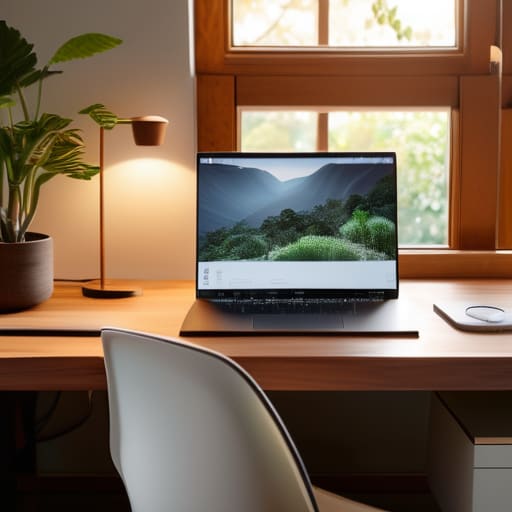
At the end of the day, building a smart home office isn’t about collecting the latest shiny gadgets or turning your desk into a sci-fi movie set. It’s about the integration of tools that work behind the scenes so you don’t have to. We’ve looked at how IoT can automate the boring stuff and how the right cloud-based tools can ensure your workflow stays intact whether you’re in a dedicated studio or a coffee shop in a city you can barely pronounce. If your tech requires constant troubleshooting just to get through a deep-work session, it’s not a tool—it’s a distraction.
My advice? Don’t overcomplicate it. Start with the essentials that solve your specific bottlenecks and build outward from there. Your setup should be an extension of your brain, something so seamless and invisible that you forget it’s even there. When you finally hit that state of flow where the tools just disappear and the work happens effortlessly, that’s when you know you’ve actually built something worth having. Build for mobility, build for focus, and build for your life.
Frequently Asked Questions
How do I keep my smart office setup secure when I'm jumping between different Wi-Fi networks?
Honestly, jumping between cafe Wi-Fi and hotel networks is where most people mess up their security. Don’t rely on the local router; it’s a massive vulnerability. I never touch a public network without a solid, hardware-level VPN running on my router or at least a dedicated tunnel on my machine. Also, treat every new network as hostile. Use a travel router to create your own encrypted sub-network—it keeps your IoT gear isolated and secure.
Is it worth investing in expensive IoT hardware if I'm constantly moving between different locations?
Honestly? No. If you’re moving every few weeks like I am, heavy IoT hardware is just expensive clutter that’s going to break your heart when you try to pack it up. Don’t tie your workflow to a specific smart bulb or a proprietary hub. Stick to software-defined setups and cloud-based automation. Invest in gear that works anywhere—reliable peripherals and solid cloud syncing—rather than hardware that turns your “mobile office” into a logistical nightmare.
How can I automate my environment without it becoming a distracting mess of notifications?
The trick is to automate for outcomes, not for alerts. If your smart lights flash every time a file syncs, you’ve just built a distraction engine. I keep my environment silent. I use subtle visual cues—like a light strip shifting to a soft amber when I’m in deep work mode—rather than pinging my phone. Automation should work in the background like a well-managed cable setup: clean, invisible, and only noticed when it’s actually working.




